
How to Prompt AI Camera Moves That Actually Land
Use the real filmmaking name for the move, then state direction and speed, framing, lens feel, and duration, in that order. Models weight earlier words more heavily, so leading with the move itself is what separates a controlled push-in from generic drift.
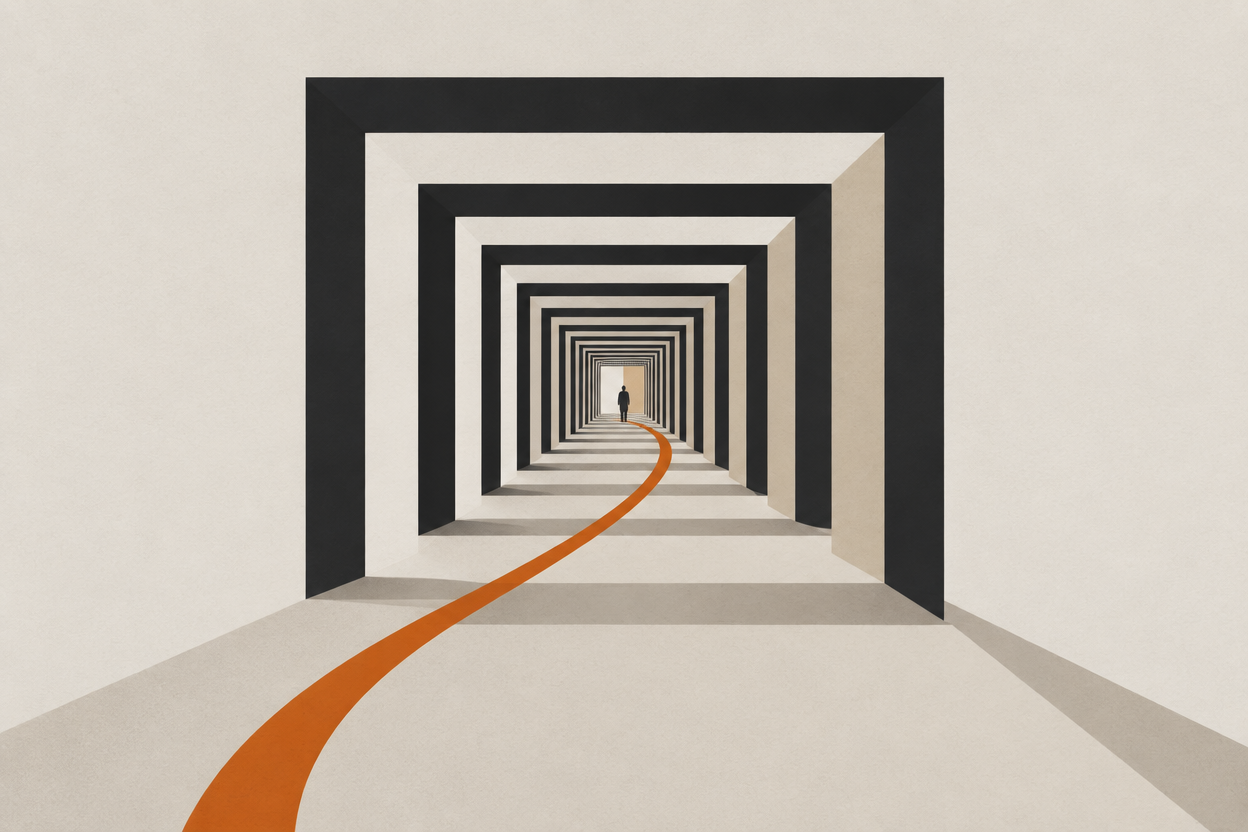
Vague motion language produces vague motion. "Make it cinematic" gives a model nothing to execute, while "slow push-in, medium close-up by the end frame, 35mm, three seconds" gives it five separate constraints.
This is the structure, the per-move recipes, and an honest account of which moves are reliable and which will cost you re-rolls.
What counts as an AI camera move?
Any simulated motion of the camera itself rather than the subject: pushing in, pulling back, pivoting, orbiting, rising, or tracking alongside the action. Borrow the established filmmaking vocabulary, because that is the language the training data is labelled in.
- Push-in / dolly in
- The camera moves toward the subject. Builds tension and intimacy, and renders reliably at moderate speeds.
- Pull-back
- The camera moves away, revealing context. Strong for reveals; describe what should appear in the widened frame.
- Pan and tilt
- The camera pivots horizontally (pan) or vertically (tilt) on a fixed axis. Subtle versions are safe, whip pans are not.
- Orbit
- The camera circles a centred subject. High impact and high risk; partial arcs hold together far better than full circles.
- Crane
- A vertical rise or descent combined with reframing. Reads as high production value when it lands.
- Handheld drift
- Small organic wobble with otherwise static framing. The lowest-risk way to make a shot feel shot rather than generated.
- Dolly zoom
- Pushing in while zooming out, warping the background. Distinctive, and the hardest move on this list to get cleanly.
How should you structure an AI camera prompt?
Five parts, in this order: movement, direction and speed, framing, lens feel, duration and style. Skip a part and the model fills it in for you, usually badly.
- 1
Movement
Name it: push-in, pull-back, orbit, crane up, handheld drift.
- 2
Direction and speed
Left to right, slow, moderate. "Moderate" is more reliable than "fast" on almost every model.
- 3
Framing
Where the shot starts and where it ends. Subject on the left third, headroom above, lead room in the direction of travel.
- 4
Lens feel
35mm, shallow depth of field, wide-angle distortion. This is what sells the depth change during a push.
- 5
Duration and style
Three to five seconds, cinematic or documentary. Without a duration the model guesses the pacing.
cinematic camera movement, dramatic, beautiful lighting, epic
slow push-in toward the subject, moderate speed, ending on a medium close-up with subject on the left third, 35mm, shallow depth of field, 3 seconds
Composition belongs in the prompt, not only in your head. Spatial anchors hold up through motion far better than centred, headroom-free framing does.
Which recipe should you use for each move?
Each move has a reliability ceiling and a matching tuning note. Push-ins and drifts are near-free; orbits need a capped arc; whip pans and dolly zooms should be budgeted for re-rolls.
| Move | Reliability | The tuning note that matters |
|---|---|---|
| Handheld drift | High | Keep framing otherwise static. Safe finishing touch on almost any shot. |
| Slow push-in | High | Start at a moderate distance; extreme close-ups exaggerate warping. |
| Pull-back reveal | High | Describe what appears in the wider frame, not just "reveal the room". |
| Pan / tilt | Medium | Specify the start and end of the pivot, or the model wanders. |
| Crane | Medium | Say whether the subject stays framed during the rise. |
| Orbit | Medium | Cap the arc at 90 to 180 degrees. Full circles fail far more often. |
| Whip pan | Low | If the subject smears, halve the speed rather than accept the pass. |
| Dolly zoom | Low | Budget re-rolls. This is the move most likely to warp faces and hands. |
What goes wrong, and what does each failure mean?
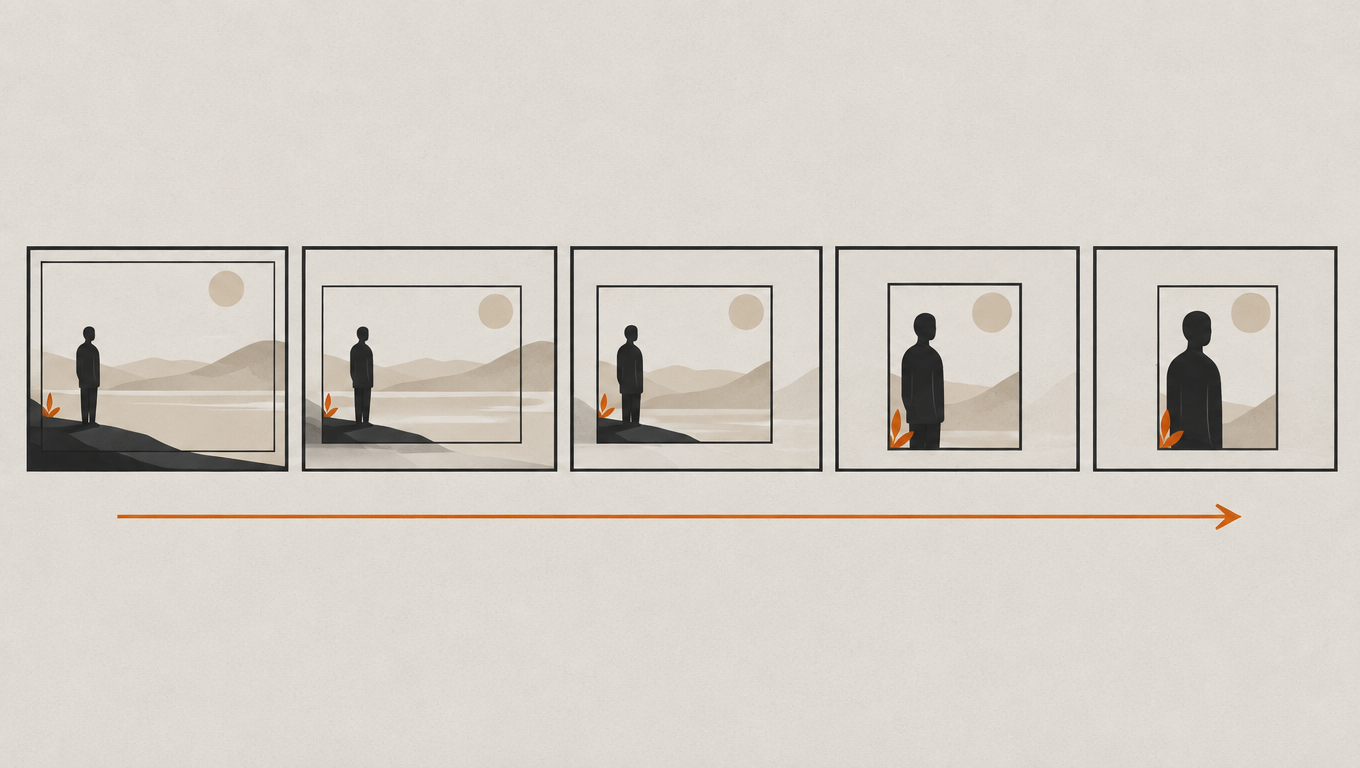
Three failures cover nearly everything: the subject drifts out of frame, geometry warps during the move, or nothing meaningfully moves at all. Each maps to a specific missing piece of the prompt.
- Composition drifts. The subject slides out of frame midway. You did not lock the subject-to-camera distance or the end framing.
- Geometry warps. Faces and hands distort during orbits and dolly zooms. The move is too fast for the model's stability — halve the speed.
- Flat motion. Nothing appears to move despite a clear instruction. A speed modifier is missing.
- Continuity breaks across a cut. Two linked shots do not agree on the space. This is the genuine current limit of the technology, not a prompting mistake.
The model can execute a push-in convincingly. It has no opinion about whether the scene needed one. That judgement is still the director's job.
How do you keep the character intact through the move?
Generate and approve the still first, then drive the motion from that image. Image-to-video inherits the face you already signed off instead of inventing a new one mid-move.
Text-to-video re-casts the subject on every attempt, which means every re-roll of the camera move is also a re-roll of the performer. Starting from a still separates the two problems: get the face right once, then iterate on the motion as many times as you need.
If the face is what keeps changing between shots, the camera move is not your problem yet. Start with keeping one character consistent across every shot.
Frequently asked questions
What is the best prompt structure for AI camera movement?
Movement, then direction and speed, then framing, then lens feel, then duration and style. Leading with the named move matters most, because models weight earlier terms more heavily.
Which AI camera moves are the most reliable?
Handheld drift, slow push-ins, and pull-backs render reliably. Orbits are workable with the arc capped at 90 to 180 degrees. Whip pans and dolly zooms fail most often.
Why does my subject drift out of frame during a camera move?
The prompt did not lock the end framing or the subject-to-camera distance. State where the shot should finish, not only how it should move.
Should I use text-to-video or image-to-video for camera moves?
Image-to-video, in almost every case. It lets you approve the subject once and then iterate on the motion without re-casting the shot on each attempt.
How much does an AI camera move cost to render?
It scales with resolution and clip length rather than with the move itself. Seedance 1.5 Pro is 14 credits per second at 720p, and an eight-second Veo 3.1 finish in 4K is 740 credits, as of July 7, 2026.
Sources
- Veo: generative video modelGoogle DeepMind
Shoot the move, not the lottery
Approve the frame, then move the camera around it. Every model at every resolution is unlocked from $9.99 a month, and credits never expire.
Enter Studio