
How to Keep One AI Character Consistent Across Every Shot
An AI character stays consistent when the model is given the character as an image reference on every generation, not re-described in words. Text prompts describe a category of face, so each render samples a different person from that category. Save the character once, then let every prompt after that describe only the shot.
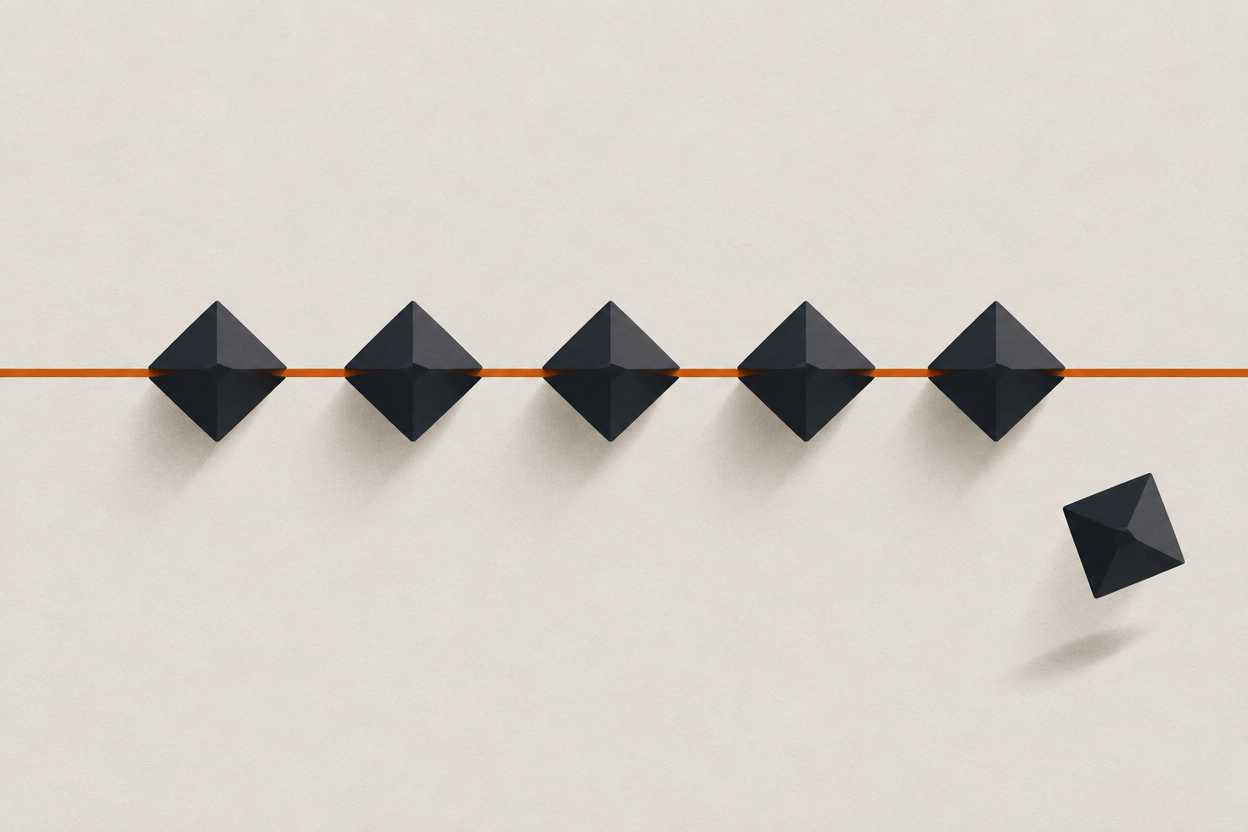
This is the failure that stalls most AI narrative projects. The first shot looks extraordinary. By shot nine the lead has a different jaw, a different age, and the whole sequence reads as a collection of stills rather than a scene.
The fix is structural, not a prompting trick. Below is the workflow that holds a face across a shot list, what it costs in credits, and the places it still genuinely breaks.
Why does an AI character change between shots?
Because a prompt describes a type of person, not a specific one. Every generation is an independent sample from everyone who matches that description, so nothing carries the identity from one render to the next.
Image and video models have no memory of a person between generations. "Woman in her thirties, dark hair, sharp cheekbones, warehouse at dusk" narrows the field to thousands of plausible faces. Each click draws a different one.
Five things reliably make the drift worse:
- Editing the face words between shots. Adding "softer jaw" in shot four re-casts the role.
- Chaining generations, using each new render as the reference for the next. Small errors compound until the character is unrecognisable.
- Switching models mid-sequence. Every model has a different average face, so the same prompt lands somewhere else.
- Changing hair, age, or wardrobe and expecting the face to survive it. Those attributes are entangled in the same description.
- Generating a wide shot and a close-up from text alone. The model invents two different noses at two different scales.
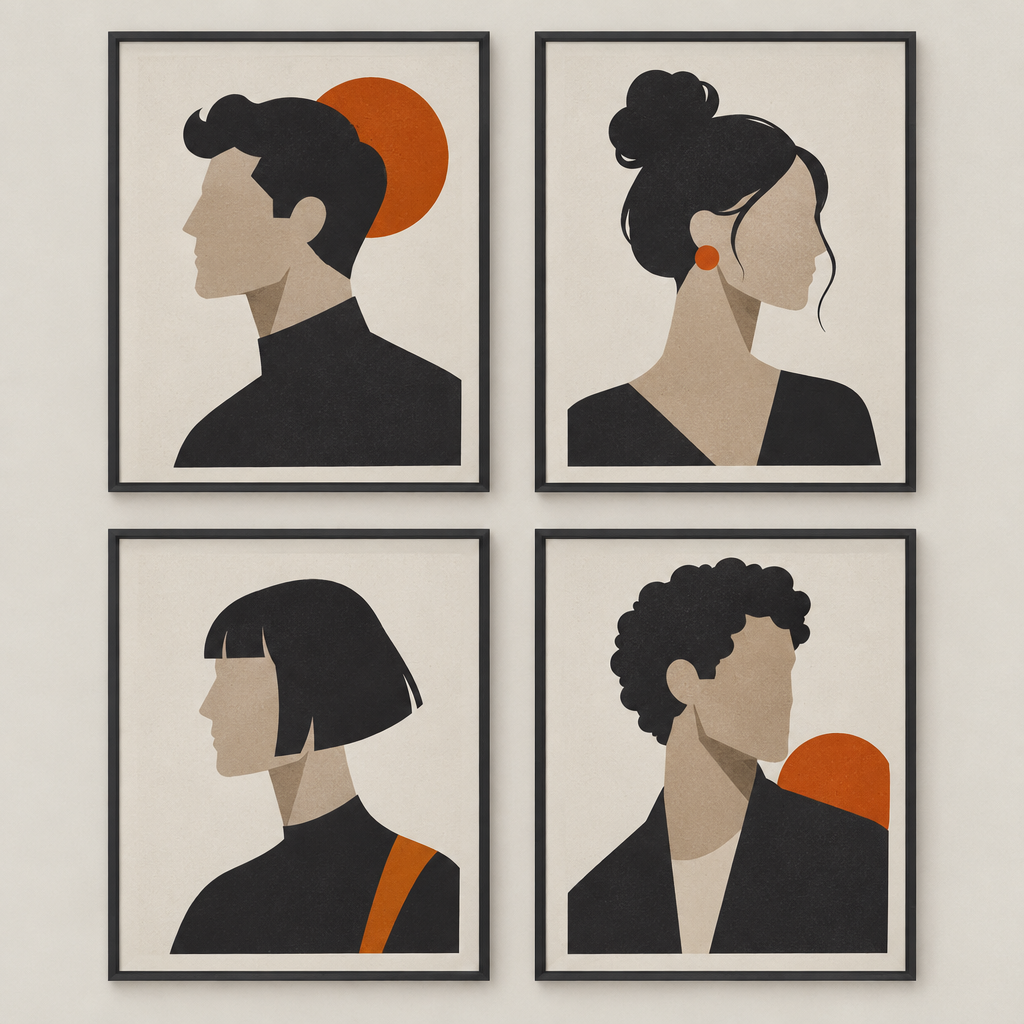
What actually holds a face across generations?
One saved visual reference, reused on every generation, plus prompts that describe only the shot. Everything else is a refinement on top of those two rules.
- Character reference
- A saved image of your character that is attached to each generation alongside the prompt. It carries identity so the prompt does not have to.
- Character Studio
- FORGR's character-creation feature: design a character once and reuse it across generations and models. Requires a paid subscription.
- LoRA training
- Training a small custom adapter on a set of images of one subject, so the model learns that specific person and can render them from a prompt alone.
- Identity kit
- A small set of reference angles of the same character — front, three-quarter, neutral, smiling — rather than a single lucky hero shot.
The prompt still matters. It should simply stop doing the casting and start doing the directing.
beautiful woman, early thirties, dark wavy hair, green eyes, high cheekbones, defined jaw, standing in a warehouse, dusk light, photorealistic, 8k, cinematic
standing at the loading door, three-quarter to camera, low dusk light raking from the left, 35mm, shallow depth of field
Character Studio or LoRA training: which should you use?
Use Character Studio when you are inventing a character and want them available immediately across every model. Use LoRA training when you already have a set of real images of one subject and need the strongest possible likeness.
| Character Studio | LoRA training | |
|---|---|---|
| Best for | A character you are inventing now | A subject you already have images of |
| What you supply | A prompt and your picks from generated previews | A set of images of the same subject |
| Setup cost | 20 credits per Character Generator pass | 800 credits per training run |
| Time to first shot | Minutes | One training run, then minutes |
| Reuse | Across generations and models | Across image generations |
| Requires | Any paid subscription | Credits only |
The two are not exclusive. A common pattern is to design a character in Character Studio, generate a spread of angles, and then train a LoRA on the best of those once the design is locked.
When Character Studio is the right call
You are writing the character rather than casting them, you want them working across video models as well as stills, and you would rather iterate on the design for 20 credits a pass than commit 800 credits to a training run on a design that might change tomorrow.
When LoRA training earns its 800 credits
The design is settled, you have a consistent set of images of the subject, and you need the character to survive unusual framing, heavy stylisation, or prompts that pull hard away from the reference. A LoRA holds under pressure that a single reference image does not.
The technique comes from the low-rank adaptation method: rather than retraining the whole model, a small number of additional parameters are learned and layered on top. That is why a training run is affordable and the result is a small, reusable file.
How do you run a whole shot list without drift?
Lock the character before the first real shot, then keep the reference fixed and change only the prompt for the rest of the list. Test cheaply before you spend on finals.
- 1
Design the character once
Generate previews in Character Studio until one is right. Stop at right, not perfect — a better jaw discovered in week three is a different actor.
- 2
Build a small identity kit
Front, three-quarter, neutral, and in-motion. Four angles beat one hero frame, because your shot list will not be shot from one angle.
- 3
Run a cheap consistency test
Before any finals, generate the hardest three shots on your list at low cost. Z-Image Turbo and Flux Schnell are 15 credits per image, so a nine-frame test is roughly 135 credits.
- 4
Shoot the list with the reference pinned
Same character on every generation. The prompt changes; the reference does not. Resist adding face words back into the prompt when a shot disappoints.
- 5
Take stills to motion last
Once the frames hold, drive video from them. Image-to-video inherits the face you already approved instead of inventing a new one.
What does a consistent character cost in credits?
Designing a character costs about 20 credits per Character Generator pass; a LoRA is 800 credits once. The real budget goes on the shots themselves, and that depends entirely on which model you finish on.
| Step | Model or tool | Credits |
|---|---|---|
| Design a character | Character Generator | 20 per generation |
| Train a custom character | LoRA training | 800 per run |
| Cheap consistency test | Z-Image Turbo | 15 per image |
| Finished still | Seedream 4.5 | 50 per image |
| Finished still, top end | Flux 2 Max | 75 per image |
| Motion from a still | Seedance 1.5 Pro, 720p | 14 per second |
| Finish in 4K with audio | Veo 3.1, 8s | 740 |
Two things make this budget easier to plan than it looks. Every model at every resolution is unlocked on every paid plan, so nothing here requires an upgrade beyond the $9.99 Starter tier. And credits never expire — subscription grants and top-ups accumulate, roll over, and stay yours even if you cancel.
Where does character consistency still break?
Extreme angles, heavy stylisation, hands and bodies, and long multi-shot sequences. A reference holds a face far better than it holds everything else.
- Profile and extreme angles. If your reference set is all front-on, a hard profile is partly invented.
- Body and hands. Faces lock long before proportions do. Expect to re-roll hands regardless of how good the character reference is.
- Heavy stylisation. Pushing far toward illustration or a strong film stock pulls identity with it.
- Long sequences. Continuity across many linked shots is still the weakest area across every tool, not just this one.
- Wardrobe and hair changes. Treat these as a new reference, not a prompt edit.
The honest summary: a saved character turns drift from a constant problem into an occasional one. It does not make it zero, and any tool claiming otherwise is describing a demo rather than a shot list.
Frequently asked questions
Why does my AI character look different in every image?
Because a text prompt describes a category of person rather than a specific one, so each generation samples a new face that matches the description. Attaching a saved character reference to every generation is what makes it the same person.
Will a longer, more detailed prompt keep the face the same?
No. More detail narrows the crowd but never selects an individual. Use the prompt for framing, light, and action, and let a saved reference carry identity.
Can I use a generated image as my new character reference?
Once, deliberately, if a render is genuinely better than your original. Never as a repeating chain — errors compound and the character drifts away within a handful of generations.
Do I need a paid plan for Character Studio?
Yes. Character Studio requires any paid subscription, starting at $9.99 a month on Starter. The free tier includes 100 one-time credits and access to every model except Veo 3.1, Veo 3.1 Fast, and Kling v3.
How many credits does it cost to build and test a character?
About 20 credits per Character Generator pass, plus roughly 135 credits for a nine-frame consistency test at 15 credits per image. A LoRA training run, if you need one, is 800 credits.
Does character consistency work across different models?
A Character Studio character is reusable across generations and models. Results still vary between models, so run your cheap consistency test on the model you actually intend to finish on.
Sources
Cast the character before you shoot the scene
Design one character, pin them to every generation, and take the shot list from stills to a 4K finish without re-casting halfway through. New accounts start with 100 free credits.
Enter Studio