
Keep an AI Character's Outfit Consistent Between Shots
Treat wardrobe as a named reference state, not as prompt words. Once an outfit is approved on your approved character, stop describing it. Re-describing the jacket in shot six generates a new jacket, and because clothing and identity are entangled in the same description, it often moves the face too.
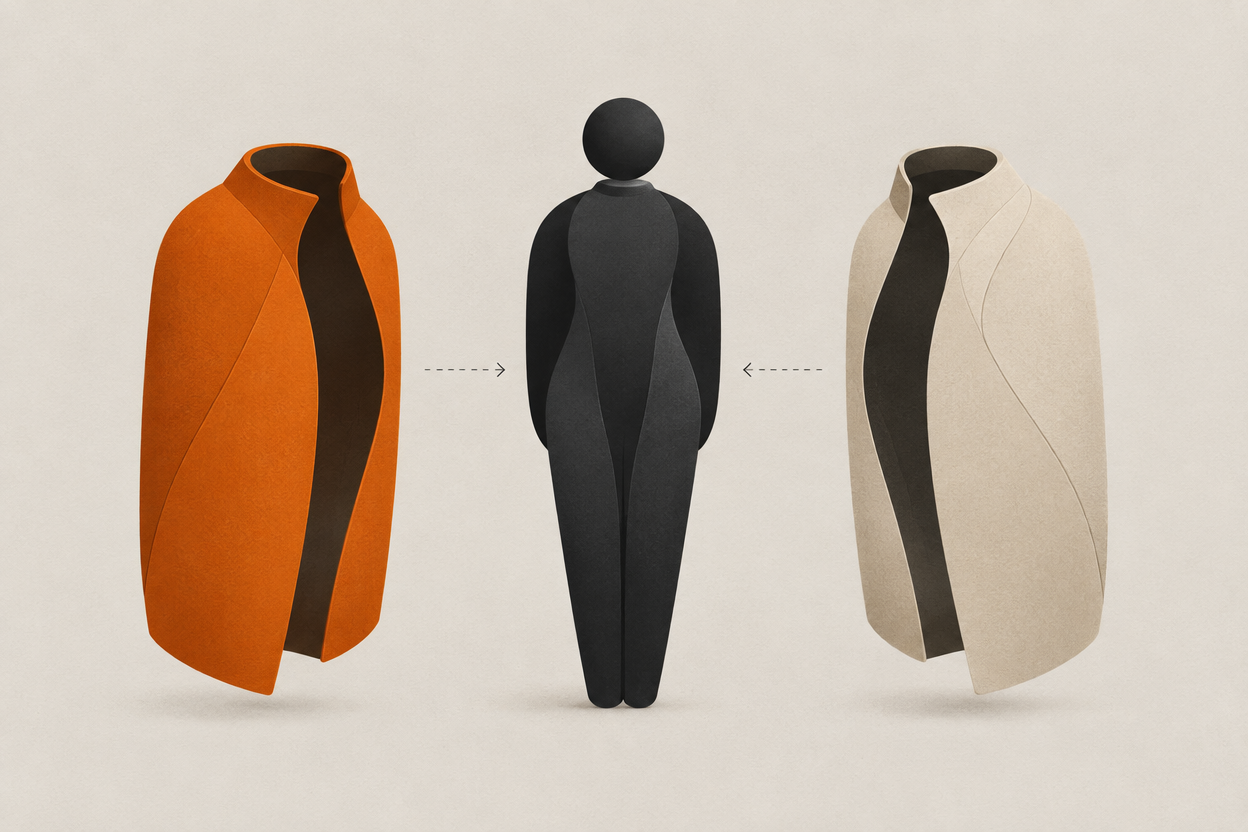
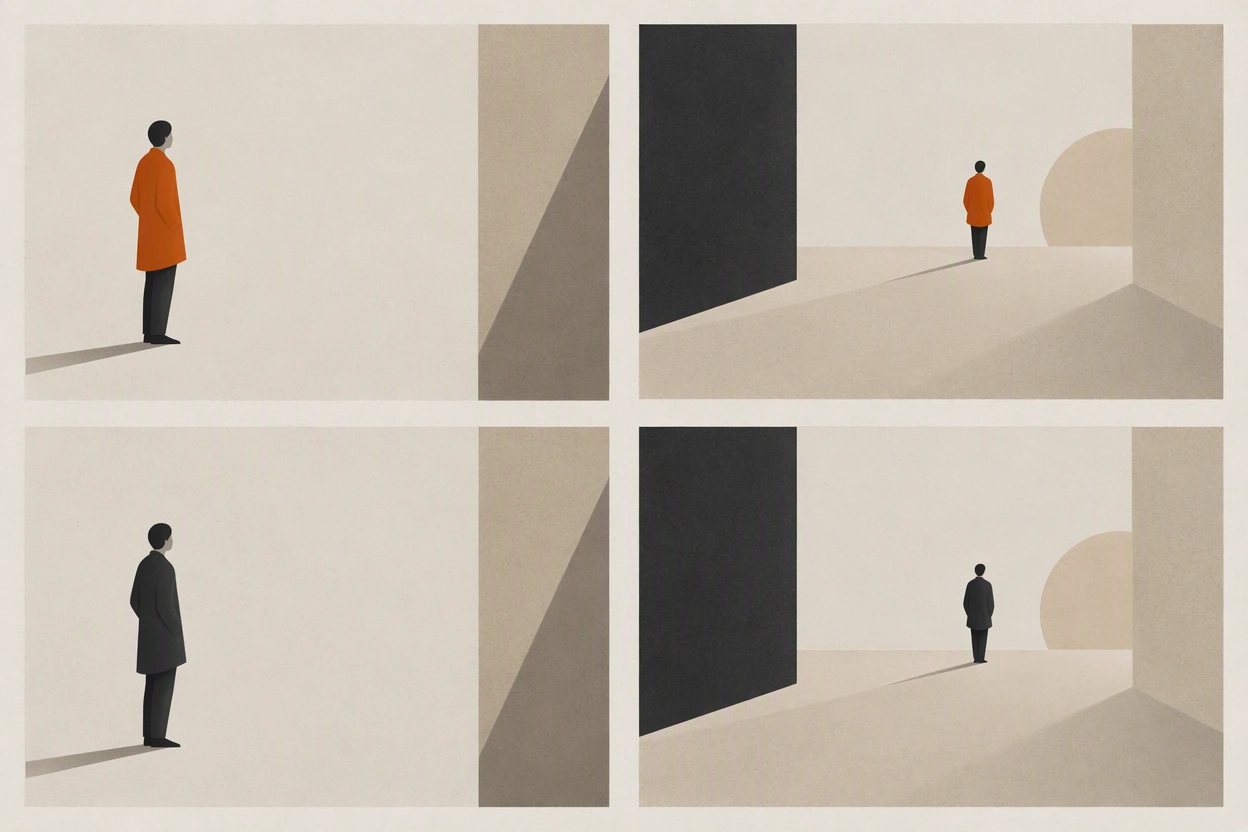
The face holds. The coat does not. It is navy in the first shot, closer to black by the fourth, and has grown a collar by the time anyone is paying attention.
Wardrobe drift gets treated as a cosmetic problem and it is not. It reads to a viewer as a continuity error, which is the specific thing that makes a sequence feel assembled rather than shot. Here is how to pin it down, and how to change clothes on purpose without losing the character.
Is this an identity problem or a wardrobe problem?
Look at the face first. If the face is also moving, you have an identity problem and the wardrobe is a symptom. If the face is stable and only the clothes change, the outfit is living in your prompt instead of in a reference.
| What you see | Most likely cause | Where to fix it |
|---|---|---|
| Face and clothes both drift | No stable character reference, or face words still in the prompt | Fix identity first. See the reference sheet workflow. |
| Face holds, colour shifts shot to shot | The colour is described in the prompt rather than shown in a reference | Approve an outfit state and stop naming the colour. |
| Face holds, garment shape changes | The garment is described loosely, so the model re-invents the cut each time | Approve a full-length view of the outfit, not just a crop. |
| Outfit holds in stills, breaks in motion | The video model is reinterpreting the garment across frames | Drive motion from the approved still rather than from text. |
| Detail appears and disappears | The detail is below the scale the model reliably resolves | Frame around it, or accept it will not hold. |
- Wardrobe state
- One approved outfit on your approved character, saved as its own reference and reused unchanged for every shot in which the character wears it.
- Intentional change
- A costume change the story calls for. Handled by swapping the wardrobe state while holding identity fixed, not by rewriting the prompt.
- Entanglement
- The reason wardrobe words move faces. Clothing, build, and features are described in the same sentence, so the model treats them as one bundle.
If the face is the thing moving, start with building a character reference sheet that survives new shots. There is no point pinning the coat to a person who keeps changing.
How do you build an outfit reference?
Generate the outfit once on the already-approved character, approve it as its own state, then stop describing it. The prompt goes back to talking about the shot: framing, light, action, lens.
- 1
Start from the approved character, never from scratch
The outfit has to exist on the right person. Generating a great coat on the wrong face gives you a reference that will fight your character sheet.
- 2
Generate the outfit at full length
Even if you only intend to shoot mediums. A cropped outfit reference leaves the model inventing everything below the frame line, and it will invent differently each time.
- 3
Keep the lighting neutral
A dramatically lit wardrobe reference teaches the grade as part of the garment, and the colour will then shift whenever the scene lighting changes.
- 4
Approve it as a state and name it
Rust overshirt. Navy raincoat. A name you will still recognise in three weeks, because you will be matching shots against it long after you have forgotten the prompt.
- 5
Remove every wardrobe word from your prompts
This is the step people skip. Leaving the description in alongside the reference gives the model two sources of truth that disagree.
How do you change clothes on purpose?
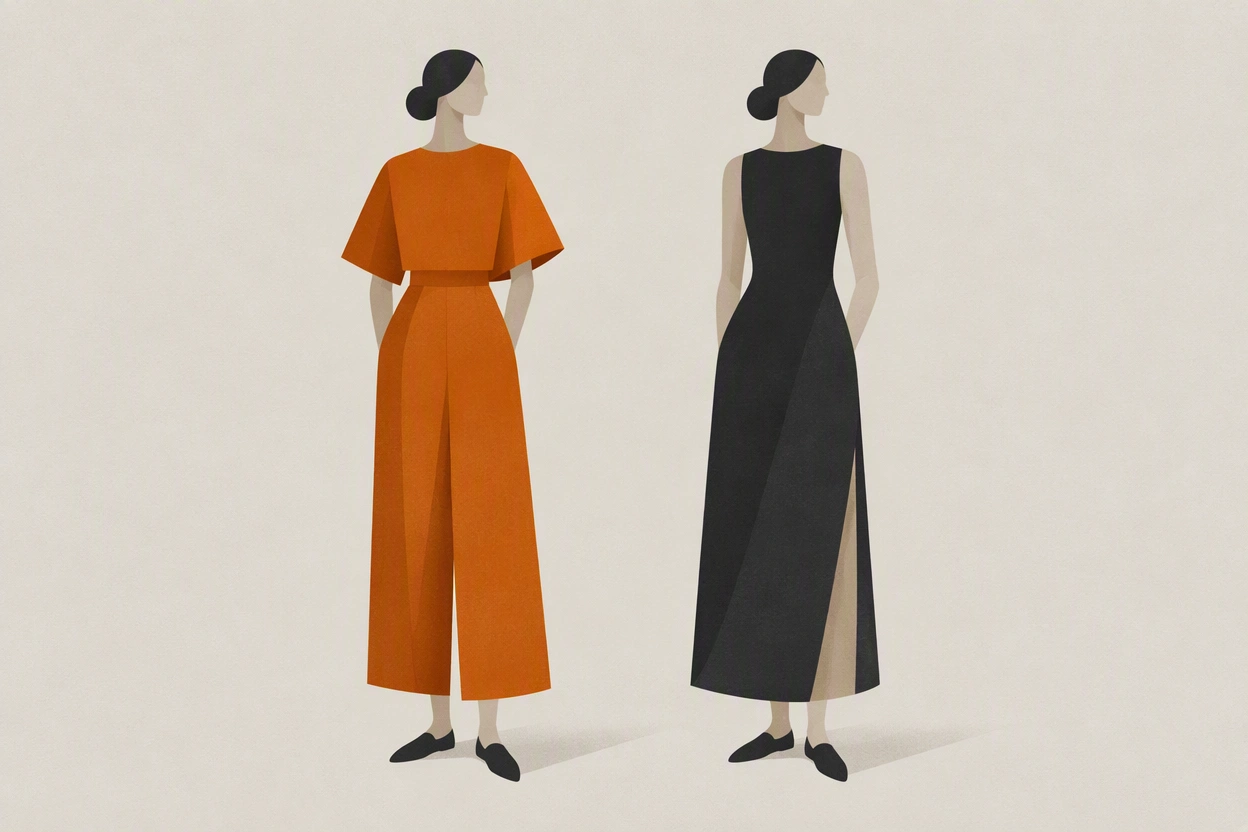
Swap the wardrobe reference, hold the identity reference fixed, and change nothing else in the prompt. One variable at a time is the whole discipline, and it is what separates a costume change from an accidental re-cast.
- 1
Approve the second outfit as its own state first
Before any story shot. Same character, same neutral lighting, full length, approved on its own.
- 2
Change only the wardrobe reference
Same identity reference, same prompt structure, same framing language. If you rewrite the scene at the same time you will not know which change caused which result.
- 3
Re-run one shot you already have
Generate a shot you previously approved in the old outfit. If the face survives the swap, the second state is safe to use across the rest of the list.
- 4
Note where the change happens in the edit
A costume change the audience has not been shown reads as an error. Either cover the change or place the cut where the story explains it.
she walks down the corridor wearing a dark navy raincoat with a wide collar, belted at the waist, rain-soaked, cinematic lighting, photorealistic
walking away from camera down the corridor, practical lights overhead, wet floor reflections, medium wide, 35mm
What still breaks?
Fine detail, reflective and transparent materials, and anything the story asks the garment to physically do. A wardrobe reference holds colour and silhouette far better than it holds buttons.
- Small hardware. Buttons, zips, buckles, and stitching move between shots and will not survive a scale change.
- Logos and text. Anything written on clothing re-generates as approximate lettering. Frame it out or design it out.
- Patterns. Stripes and checks shift scale and alignment, and they get worse in motion than in stills.
- Reflective and sheer fabrics. Leather, satin, and anything semi-transparent reinterpret with the lighting rather than holding.
- Layers in motion. An open coat will close, flap, and re-drape unpredictably across a generated move.
- Interaction. A character putting a coat on or taking it off is a physical action, and garment continuity through that action is still unreliable.
The same logic applies to the shot itself. If a detail will not hold at a wide, either do not shoot the wide or do not make the detail matter. That is a normal production decision, not a limitation specific to generated video.
Frequently asked questions
Why does my AI character's outfit change between shots?
Because the outfit is being described in the prompt rather than shown in a reference, so every generation re-invents it. Colour names drift the fastest. Approve the outfit once as its own reference state and remove the wardrobe words from your prompts.
How do you change an AI character's clothes without changing their face?
Swap the wardrobe reference while holding the identity reference fixed, and change nothing else in the prompt at the same time. Then re-run a shot you already approved in the previous outfit to confirm the face survived the swap.
Why does the colour of a garment shift between generations?
Colour words are broad. Navy covers a wide range, and the model samples somewhere inside it each time. A reference image fixes an actual colour rather than a word describing a family of them.
Will an outfit hold in video as well as in stills?
Less reliably, especially for layers, patterns, and anything that moves independently. The most dependable route is to approve the still first and drive the motion from that image, so the video inherits a garment you have already signed off.
Can I keep a logo or printed text consistent on clothing?
Not dependably. Generated lettering re-approximates itself every time and degrades with scale changes. Frame around it, or design the garment without it.
One character, one wardrobe, every shot
Design the character once in Character Studio, approve each outfit as its own state, and reuse both across every model on the same credits.
Open Character Studio