
Build an AI Character Reference Sheet That Survives New Shots
A reference sheet works when it has been validated against the hardest shot you intend to generate, not when it has the most angles on it. One front, one three-quarter, and one profile at the scale you actually plan to shoot will beat an eight-panel sheet built from a single lucky render.
The sheet always looks right. Eight neat panels, same face in every one, exported and saved. Then you generate the first reverse angle and a stranger turns around.
That happens because the sheet was never tested. It was assembled from views the model found easy and then trusted on views it finds hard. Below is the version that holds: what each angle is for, how to validate the sheet before you build a shot list on it, and what the whole thing costs.
What is a character reference sheet actually for?
It carries identity so the prompt does not have to. Once the model can see your character, the text is free to describe framing, light, and action instead of re-casting the role every time.
- Character reference sheet
- A small set of approved views of one character, attached to a generation so the model renders that specific person rather than someone who matches a description.
- Approved view
- A single image you have accepted as canonically correct for the character. Anything you have not explicitly approved is not part of the sheet.
- Validation shot
- A deliberately difficult generation used to test whether the sheet holds, run before you commit to a shot list rather than after.
- Drift
- The gradual change of a character's features across generations, usually caused by describing the face in words or by chaining one render into the next as a new reference.
This is the part people skip. A sheet is not a mood board and it is not a style guide. It is the single source of truth for one person's face, and its only job is to survive contact with shots you have not generated yet.
If you are still seeing the face change between shots even with a reference attached, the underlying mechanics are covered in why AI characters drift and what holds them. This article assumes you have accepted that a saved reference is the fix and want to build a good one.
How many angles do you actually need?
Three validated angles beat eight unvalidated ones. Front, three-quarter, and profile cover the range most shot lists actually use, and each one should be approved on its own rather than generated as a set and accepted wholesale.
The instinct is to build the biggest sheet possible. It is the wrong instinct, because panels generated from one accepted render inherit that render's mistakes. Five extra views of a slightly wrong face make the wrong face more authoritative.
| Angle | What it is for | Approve it when |
|---|---|---|
| Front, neutral | The anchor. Most generations resolve toward this one. | Both eyes, jaw, and hairline read clearly at full size. |
| Three-quarter | The most common narrative framing, and the bridge between front and profile. | The nose and cheekbone still read as the same person as the front view. |
| Hard profile | The view models invent most often. This is your stress test. | The jaw and nose line match the front view rather than a generic profile. |
| Expression variant (optional) | Only if your scene needs a strong performance beat. | Identity survives the expression. If it does not, keep the neutral one. |
| Full body (optional) | Only if you will shoot wides. Proportions drift separately from faces. | Height and build stay stable across two independent generations. |
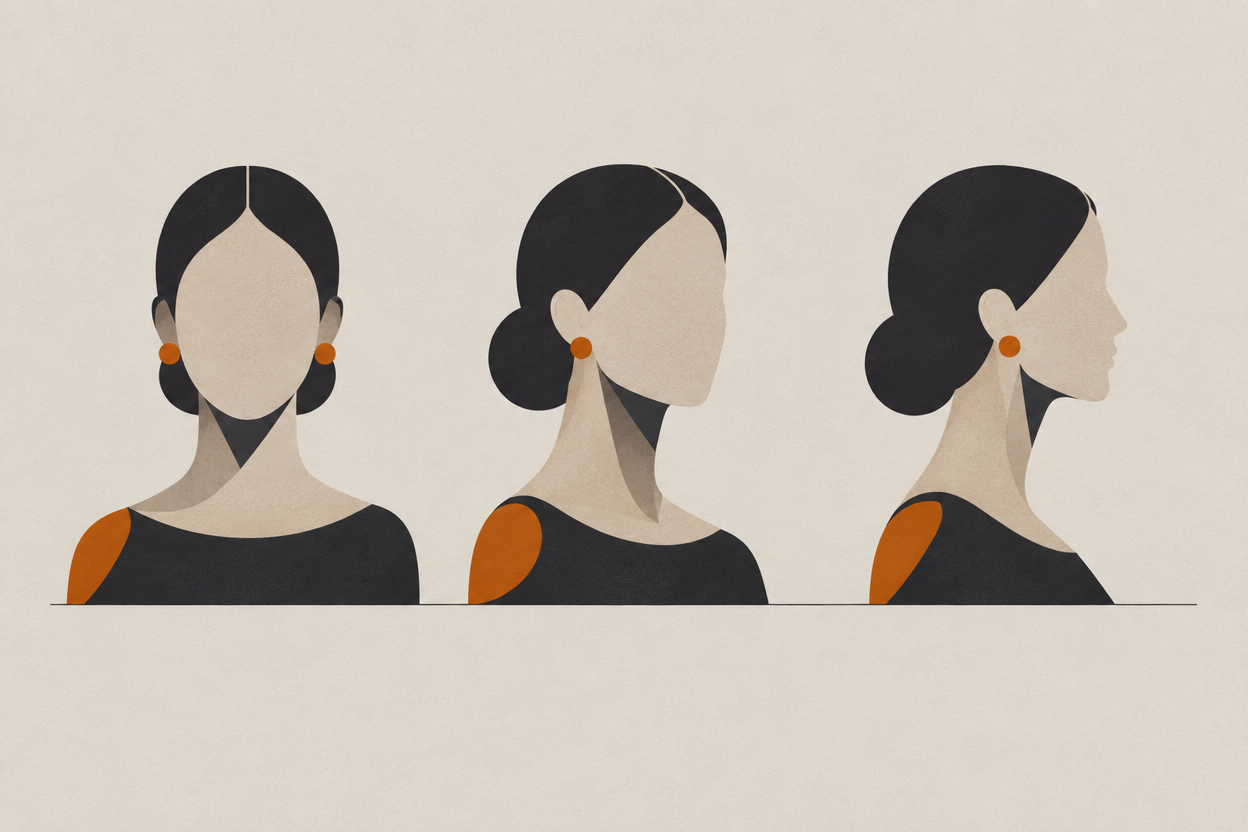
- Generate each angle as its own pass. Accept or reject it on its own merits.
- Shoot the sheet at roughly the scale you plan to work at. A sheet of tight portraits is weak evidence for a wide shot.
- Keep lighting neutral and consistent. A dramatically lit reference teaches the model the lighting as part of the identity.
- Stop at the point the character is right. A better jaw discovered in week three is a different actor, and every shot before it is now inconsistent.
How do you validate a sheet before you rely on it?
Run the hardest shot first. Generate a hard profile, a tight close-up, and one with the head turned partly away, before you build any shot list on the sheet. If identity holds across those three, the ordinary shots will hold too.
Validation is cheap and skipping it is expensive. The failure mode is not that you waste a few credits, it is that you generate thirty shots against a weak sheet and only notice on the reverse angle in shot twenty-two.
- 1
Pick the three hardest shots on your list
Not representative shots, the difficult ones. Hard profile, tight close-up, and a three-quarter rear where the model has to invent the most.
- 2
Generate each one at low cost first
Z-Image Turbo and Flux Schnell are both 15 credits per image at the 7 July 2026 rates, so a nine-frame validation round is about 135 credits.
- 3
Judge identity only
Ignore composition, lighting, and hands at this stage. The single question is whether this is the same person. Everything else is a separate problem.
- 4
Re-shoot the weakest angle, do not patch the prompt
If the profile fails, the profile reference is wrong. Generate a better profile and approve it. Adding face words back into the prompt will look like a fix and will quietly re-cast the character.
- 5
Re-run the same three shots
Same three generations, new sheet. If identity holds this time, the sheet is done and you can build a shot list on it.
What does a bad reference look like?
It looks fine in isolation. A bad reference is usually a good image with the wrong job: too stylised, too tightly cropped, too dramatically lit, or approved in a batch rather than on its own.
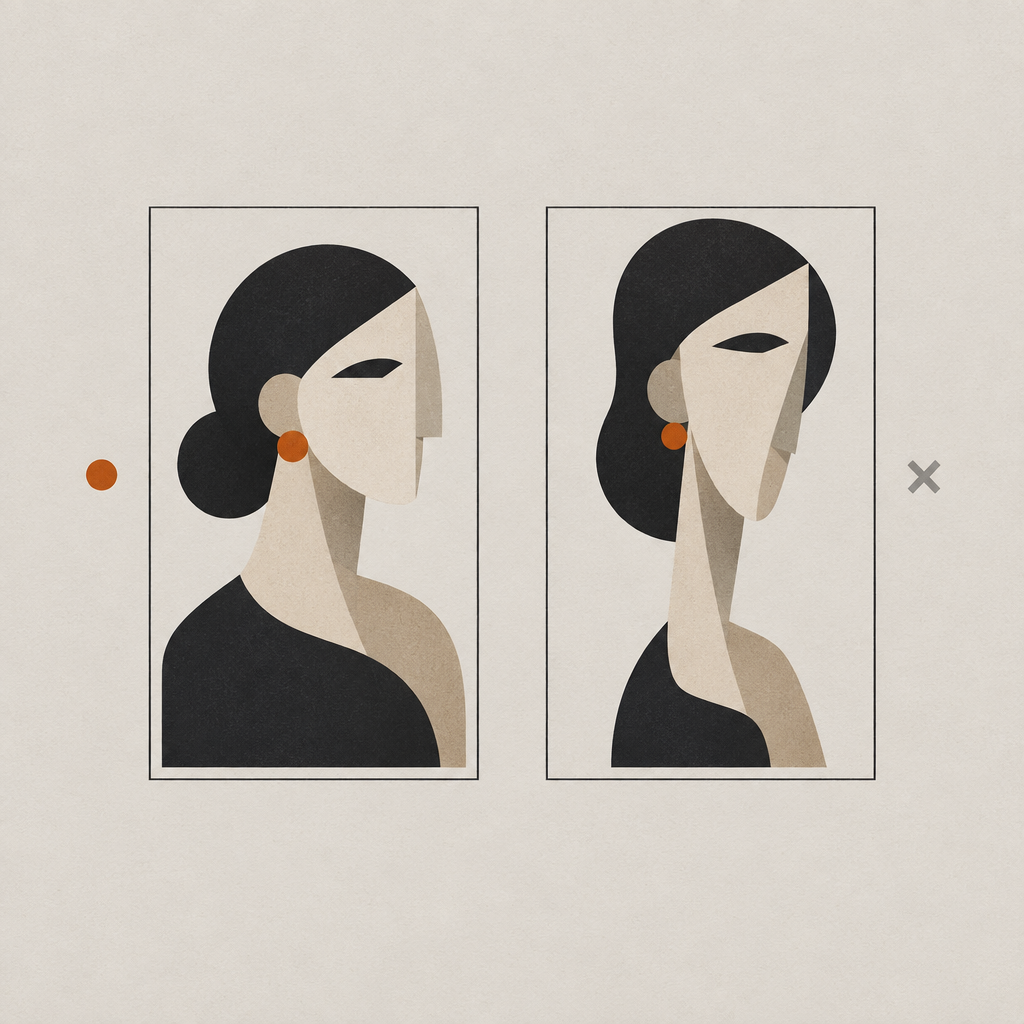
- Heavily stylised. Strong film stock, heavy grade, or a painterly look teaches the model the style as part of the person.
- Cropped too tight. A reference that stops at the chin gives the model nothing to work with when you ask for a wide.
- Dramatically lit. Hard side light hides half the face, and the half it hides is the half that drifts.
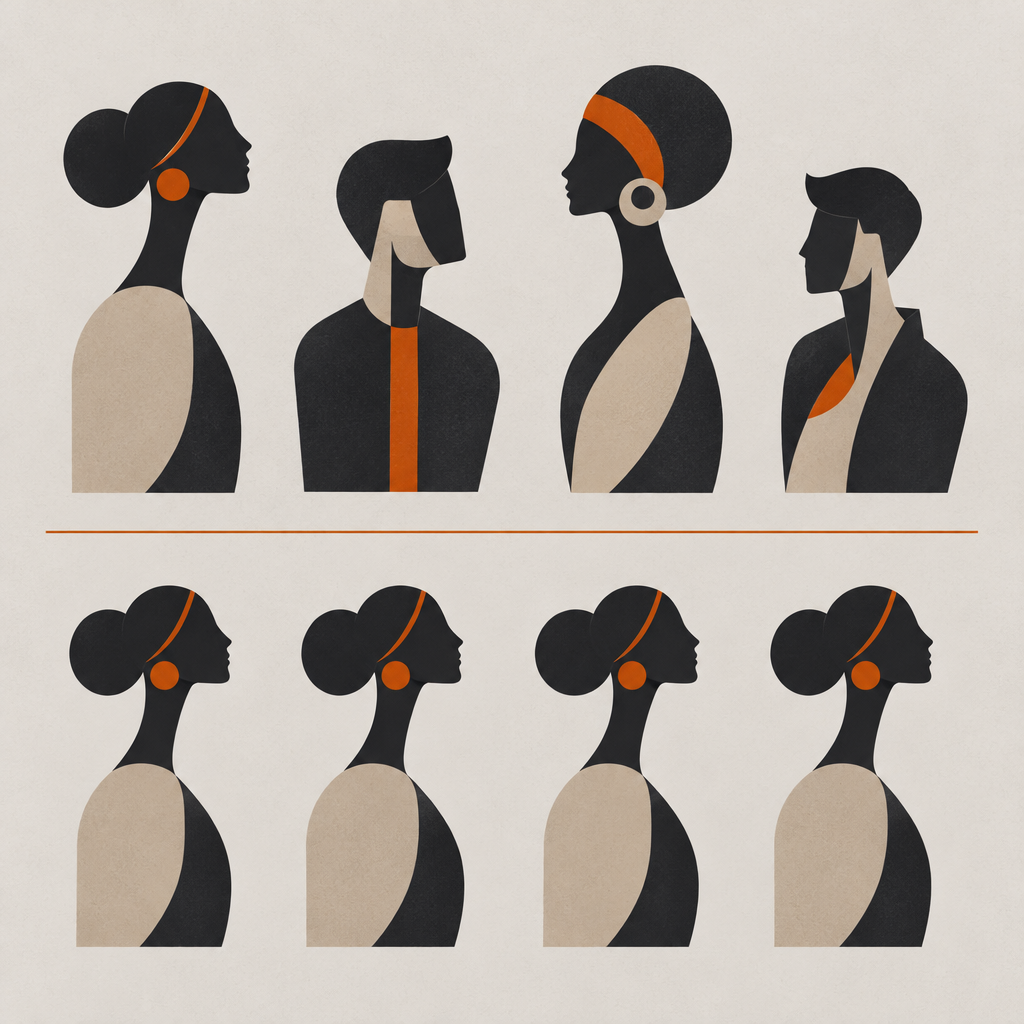
- Approved in a batch. Four panels exported from one generation is one reference wearing four hats.
- Mid-expression. A big smile or a shout distorts the features you are trying to pin down.
woman in her late twenties, dark wavy hair, green eyes, sharp cheekbones, defined jaw, standing in a stairwell, moody lighting, photorealistic, 8k
hard profile, standing on the stairwell landing, cool light from the window above, medium close-up, 50mm
What does a reference sheet cost in credits?
Character generation is 20 credits per image at the 7 July 2026 rates, billed per image in batches of up to four. Two rounds of four previews plus a nine-frame validation round is about 295 credits, which is comfortably inside a single month on any paid plan.
| Step | Model or tool | Credits |
|---|---|---|
| Character generation | Character Generator | 20 per image, up to 4 per batch |
| Low-cost validation frame | Z-Image Turbo or Flux Schnell | 15 |
| Finished still from the sheet | Seedream 4.5 | 50 |
| Finished still, top end | Flux 2 Max | 75 |
| Custom-trained character | LoRA training | 800 per run |
Two things make this easier to plan than it looks. Every model at every resolution is unlocked on every paid plan from $9.99 a month, so nothing here needs an upgrade. And credits never expire: subscription grants and top-ups accumulate, roll over, and stay yours even if you cancel, so a validation budget you do not spend this month is still there next month.
Frequently asked questions
How many reference images do you need for an AI character?
Three validated angles, front, three-quarter, and hard profile, cover most shot lists. Add a full body only if you intend to shoot wides, and an expression variant only if a scene needs it. More panels generated from one accepted render do not make the sheet more accurate.
Can I use photos of a real person as a reference sheet?
Technically the workflow is the same, but the rights are not. You need that person's permission, and you remain responsible for how the likeness is used under the third-party model provider terms that apply to your generations. For invented characters none of that applies, which is one reason most narrative work uses them.
Does an image reference sheet work in video models too?
The reliable route is to approve the still first and then drive motion from that image. Image-to-video inherits the face you already signed off, so a re-roll of the camera move is not also a re-roll of the performer.
Do I need a separate reference sheet for each model?
A Character Studio character is reusable across generations and models, but results still vary between models. Run your low-cost validation round on the model you actually intend to finish on rather than assuming a sheet that works on one will work everywhere.
What happens to the sheet when the character changes outfit?
Treat wardrobe as its own reference state rather than as prompt words. The identity sheet stays fixed and the outfit reference changes, which keeps a deliberate costume change from quietly re-casting the face along with the jacket.
Do I need a paid plan to build a reference sheet?
Character Studio requires any paid subscription, starting at $9.99 a month on Starter. The free tier gives new accounts 100 one-time credits and access to every model except Veo 3.1, Veo 3.1 Fast, and Kling v3.
Build the sheet once, shoot the whole list
Character Studio is unlocked on every paid plan from $9.99 a month. Design a character, validate them against your hardest shot, and reuse them across every model in FORGR.
Open Character Studio