
The FORGR blog
Working guides for people making story-driven video with AI. Every article is written for the shot you are trying to get, checked against the live product, and dated so you can see how current it is. Start with consistent characters if a face is drifting between your shots.
- Character work
- Workflow
- Production economics
- Direction
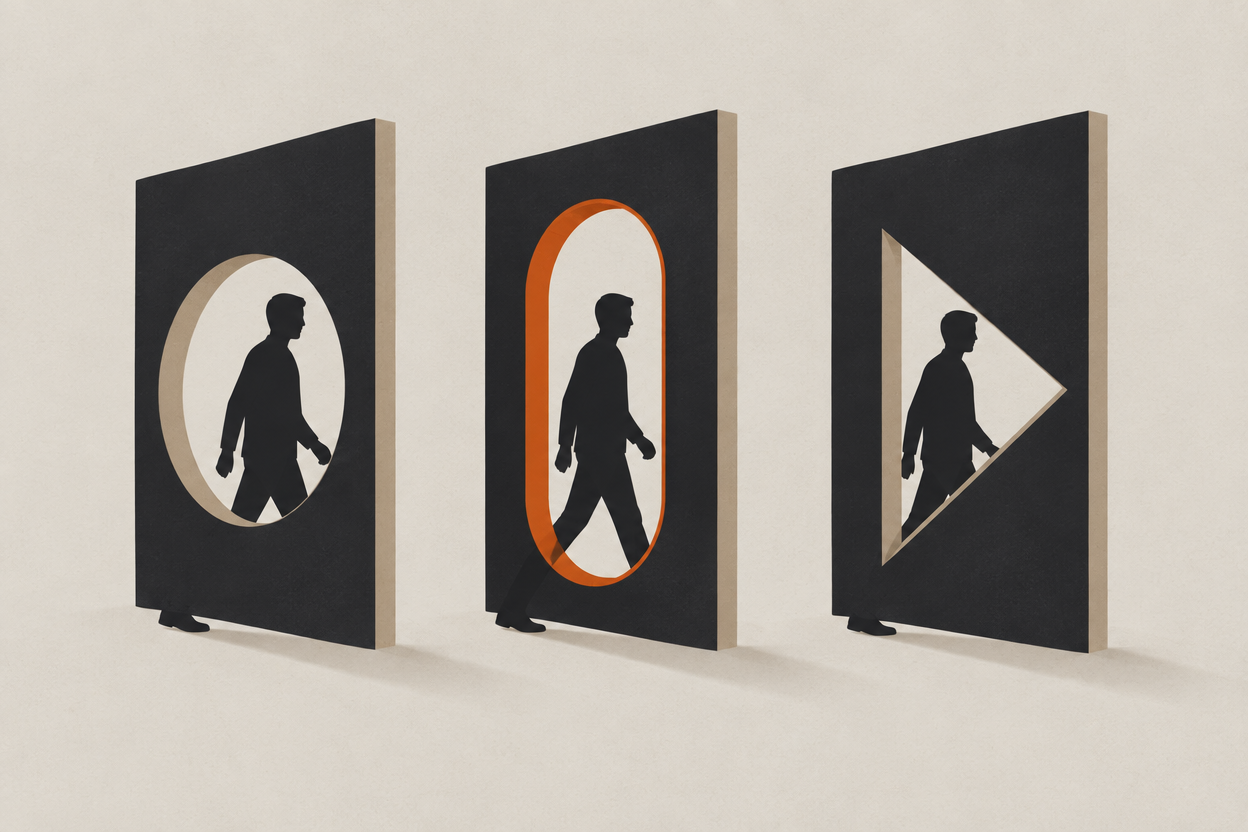
Latest · Character work
Move One AI Character Between Two Video Models
A saved character can be reused across models, but each one renders it slightly differently. Here is what transfers, what does not, and how to test it cheaply.
6 min read
More articles
- 02Build a Character Bible for a Recurring AI SeriesCharacter workOne short film is a memory test you can pass. A ten-episode series is not. Here is the document that keeps a cast, a world, and a look stable across months.
6 min read

- 03Stage a Vertical AI Story Without Cropping Away the ActionWorkflowCropping a wide shot to 9:16 throws away the half of the frame the story was in. Stage vertically from the start, and build the shot around a tall composition.
6 min read

- 04Why You Cannot Compare AI Video Credits Between ToolsProduction economicsA credit is an internal currency, not a unit of work. Here is why 1,000 credits means something different in every tool, and how to compare them properly.
7 min read
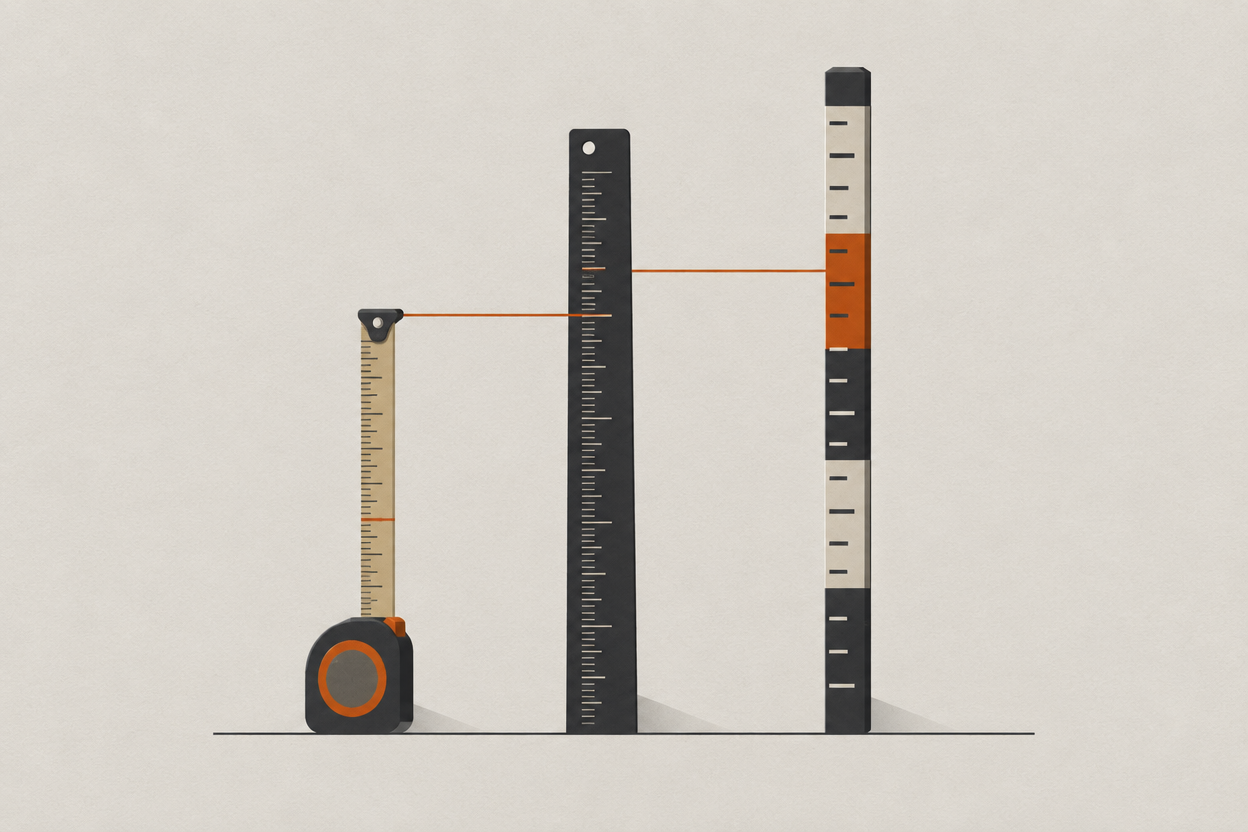
- 05When Is It Worth Rendering AI Video in 4K?Production economicsGoing from 720p to 4K on an eight-second Veo 3.1 clip costs 68 percent more. Here is when that premium earns its place and when 1080p is the better buy.
5 min read
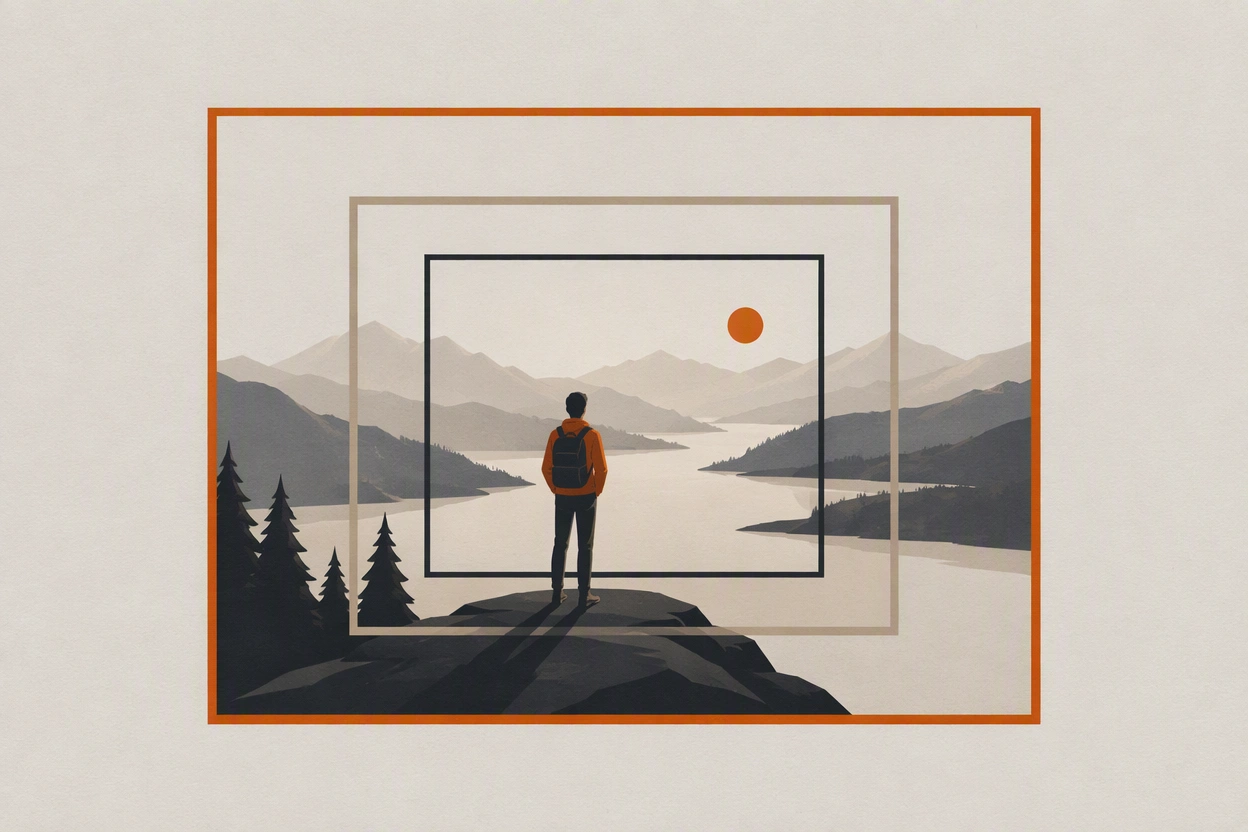
- 06Why an AI Character's Face Changes Between Wide Shots and Close-UpsCharacter workYour character holds in the wide and becomes a stranger in the close-up. The cause is scale, not your prompt, and the fix is a reference at that distance.
6 min read
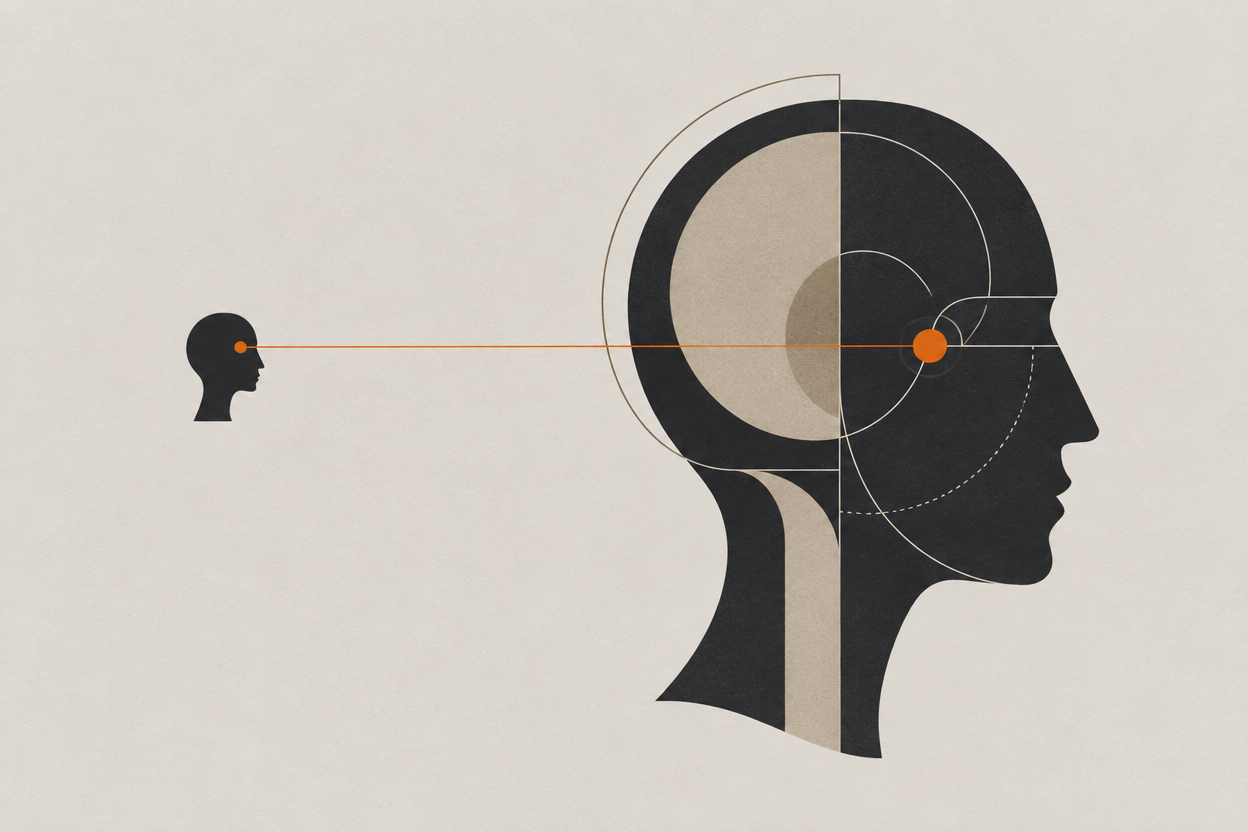
- 07Keep the Same Room and Lighting Across AI ShotsWorkflowCharacter consistency gets the attention, but scenes fall apart on the room. How to hold location, light direction, and props across a whole sequence.
6 min read
- 08Build an AI Character Reference Sheet That Survives New ShotsCharacter workMost AI character reference sheets fail on the first hard shot. Here is how to build one with three validated angles, and how to test it before you rely on it.
9 min read
- 09From Storyboard to Finished AI SceneWorkflowApprove every panel as a still before anything moves. A shot-by-shot workflow for taking a storyboard to a finished AI scene, with the generation maths.
8 min read
- 10Make a Two-Character AI Dialogue Scene That Holds TogetherWorkflowTwo AI characters in one frame drift into each other. Generate a master and two reverses instead, assign one speaker per generation, and cut it in an editor.
7 min read
- 11Budget an AI Short Film by Usable ShotsProduction economicsThe per-second rate is not what decides your budget. A shot accepted on the third attempt costs three times its sticker price. Here is the real arithmetic.
7 min read
- 12Keep an AI Character's Outfit Consistent Between ShotsCharacter workDescribing the jacket again in shot six re-casts the jacket, and often the face with it. Treat wardrobe as a named reference state instead of prompt words.
7 min read
- 13How to Keep One AI Character Consistent Across Every ShotCharacter workWhy AI characters drift between shots, and the reference-first workflow that holds one face across a whole shot list — plus what it costs in credits.
Updated 8 min read
- 14How to Prompt AI Camera Moves That Actually LandDirectionName the move, then direction, speed, framing, lens, duration. A five-part prompt structure for AI camera movement, with a recipe for every move.
6 min read
Reading is the slow part
Every model at every resolution is unlocked on every paid plan, and credits never expire. New accounts start with 100 free credits.