
Move One AI Character Between Two Video Models
A saved character is reusable across generations and models, but reuse is not the same as identical output. Each model has its own average face and will interpret the same reference slightly differently, so treat a move between models as something to validate for about 45 credits rather than something to assume.
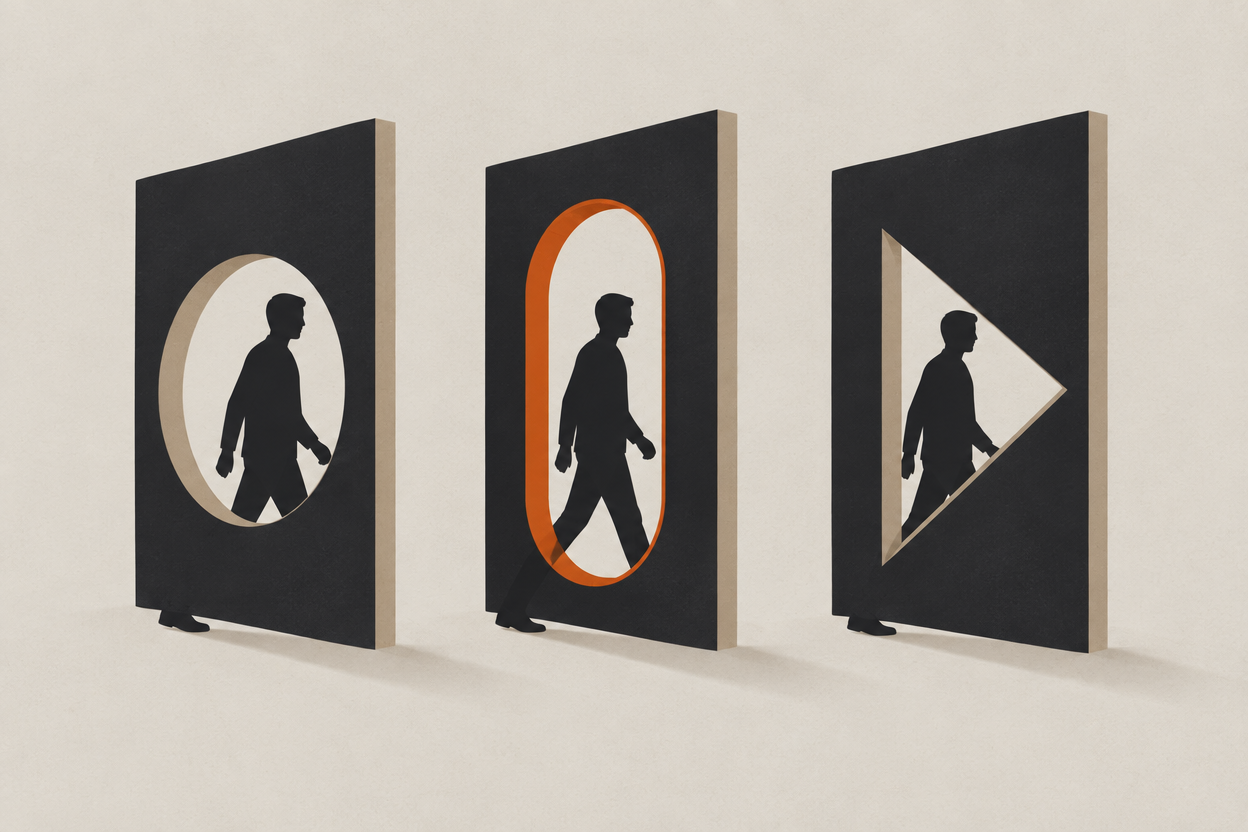
The practical reason people want this: one model gives you the best motion for a shot, another gives you the best stills, and a third handles audio. Splitting a scene across them only works if the lead survives the journey.
The honest answer is that it mostly does, with caveats worth knowing before you plan a shot list around it.
What actually transfers between models?
Structure transfers well: face shape, proportions, hair silhouette, build. Surface transfers poorly: skin character, fine hairline detail, and anything the reference only implied. Style transfers worst of all, because it is mostly the model's own bias.
| Element | Transfers | Why |
|---|---|---|
| Face shape and proportions | Well | Structural, and strongly encoded in the reference |
| Hair silhouette | Well | A large shape rather than fine detail |
| Build and height | Reasonably | Needs a full-length reference to hold |
| Skin character, freckles, moles | Poorly | Below the detail threshold most models reproduce consistently |
| Wardrobe fine detail | Poorly | Buttons, hardware, and print re-approximate everywhere |
| Overall look and grade | Barely | Largely the model's own bias, not your character |
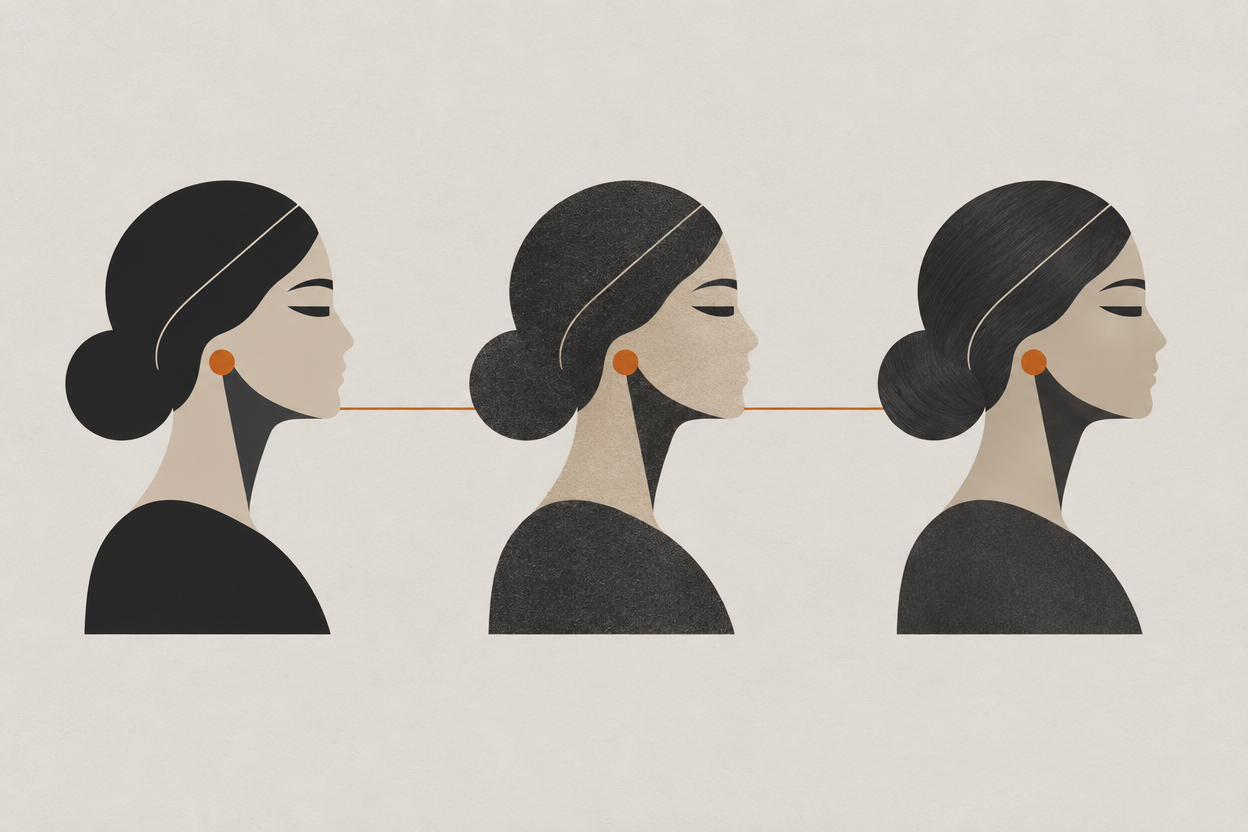
The useful mental model: a reference pins down who the person is, and the model decides how they are photographed. Move models and you have changed the photographer, not the actor.
How do you test a model pair cheaply?
Generate the same three frames on both models and compare only identity. At 15 credits per still on Z-Image Turbo or Flux Schnell, a three-frame test is 45 credits, which is a rounding error against the cost of discovering the problem mid-scene.
- 1
Pick three frames that stress the reference
A three-quarter medium, a hard profile, and a tight close-up. The easy framings will pass on both models and tell you nothing.
- 2
Generate all three on model A
Same character, same prompt structure, same framing language. Judge identity only, ignoring lighting and composition.
- 3
Repeat identically on model B
Change nothing except the model. A prompt tweak between the two invalidates the comparison.
- 4
Compare side by side, not from memory
Put them next to each other at the same scale. Drift is very hard to see sequentially and obvious in a grid.
- 5
Record the result in your bible
Approved on model A and B, dated. That is the whole point of having written it down.
Which work should go on which model?
Do the identity work where it is cheapest and the finishing work where it is best. Approve the character and the framing on inexpensive image models, then move to the video model that suits the shot.
- Validation and blocking. Z-Image Turbo or Flux Schnell at 15 credits per image. You are judging identity and framing, not finish.
- Finished stills. Seedream 4.5 at 50, or Flux 2 Max at 75 when the frame carries the scene.
- Motion, budget route. Seedance 1.5 Pro at 14 credits per second at 720p.
- Motion, premium finish. Veo 3.1, up to 4K with audio, at 740 credits for an eight-second 4K clip.
- Multi-shot direction. Kling v3 renders one to six sub-shots per generation.
Every one of those runs on the same credit wallet and is unlocked on every paid plan, which is what makes the split practical rather than a subscription problem. The full per-generation list is on how credits work, and the cost of the whole scene is in budgeting an AI short film by usable shots.
What if a model will not hold the character?
Change the shot, not the reference. A model that struggles with a hard profile will usually manage a three-quarter, and re-framing costs nothing while rebuilding a reference costs the consistency of everything you already approved.
- Re-frame. Move off the framing the model is weakest at. Most failures are scale or angle specific.
- Drive from an approved still. Image-to-video inherits a face you already signed off instead of re-sampling one.
- Keep the model for what it is good at. Use it for the wide and cut to a different model for the close-up.
- Accept a narrower role. A model that cannot hold your lead might still be right for inserts, landscapes, and cutaways.
- Do not add face words to the prompt. It looks like a fix for one shot and desynchronises the next ten.
If the failure is specifically that close-ups break while wides hold, that is a scale problem rather than a model problem, and it is covered in why an AI character's face changes between wide shots and close-ups.
Frequently asked questions
Can you use the same AI character across different models?
Yes. A Character Studio character is designed to be reused across generations and models. Results still vary between models, so validate the specific pair you intend to use rather than assuming a character that works on one works everywhere.
Why does my character look slightly different on another model?
Because each model has its own bias in how it renders faces and surfaces. Structure like face shape and proportion transfers well; skin character, fine hairline detail, and overall look are largely the model's own contribution.
How do I test whether a character survives a model change?
Generate the same three stressful frames, a three-quarter medium, a hard profile, and a tight close-up, on both models with nothing else changed, then compare them side by side. At 15 credits per still that is about 45 credits.
Should I regenerate my character on each model?
No. Use the same approved reference everywhere. Regenerating per model, or promoting one model's output into a reference for another, stacks error and gives you several similar characters instead of one.
Do I need separate plans for different models?
No. Every model at every resolution is unlocked on every paid plan from $9.99 a month, and they all draw on the same credit balance. Plans differ in monthly credits and parallel generations.
Cast once, render anywhere in the rack
Design a character in Character Studio and reuse it across 25+ image and video models on one credit wallet, with credits that never expire.
Open Character Studio