
Why an AI Character's Face Changes Between Wide Shots and Close-Ups
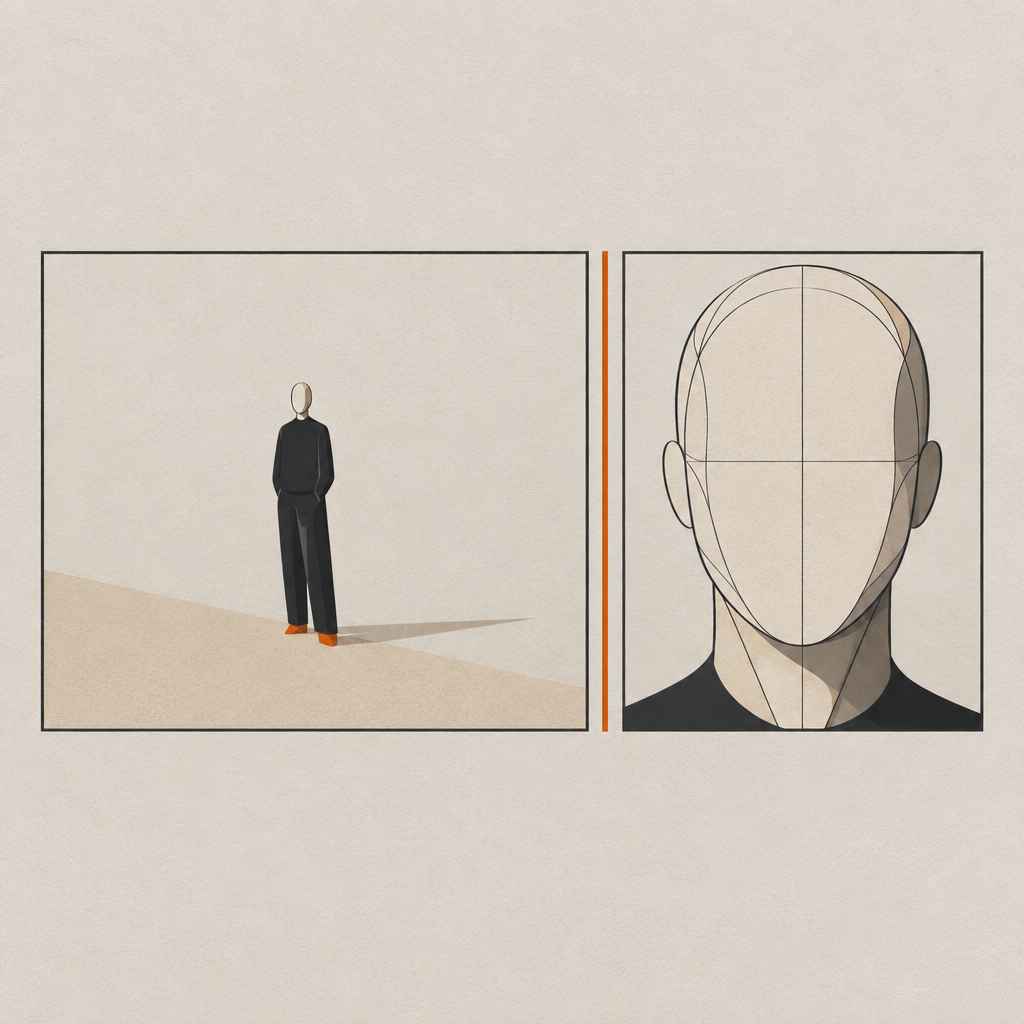
In a wide shot the face occupies very few pixels, so the model has little to match against and fills in the rest. In a close-up it has to invent detail your reference never contained. If your reference set is all mid-shots, every close-up is partly a new casting decision.
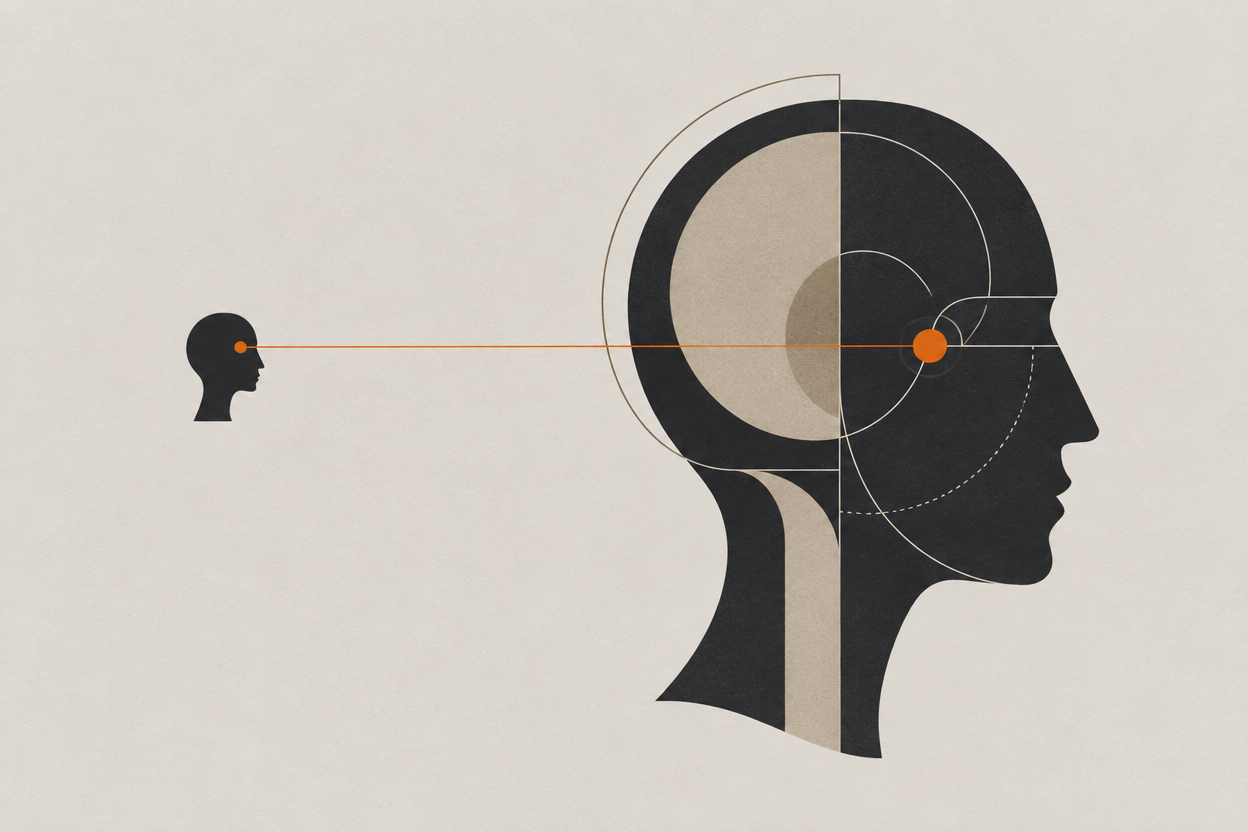
This one is maddening because the wide shots look fine. The character reads correctly at a distance, you approve the shot, and then the close-up comes back as their slightly wrong cousin.
It is not a prompt problem and it is not bad luck. It is a scale mismatch between what your reference contains and what the shot is asking for.
Why does scale break identity?
Because identity lives in detail the model only has to render at close range. A wide shot lets it approximate, a close-up forces it to commit, and if the reference never showed that detail it commits to something invented.
- Scale mismatch
- The gap between the framing your reference was captured at and the framing the new shot is asking for. The larger the gap, the more the model invents.
- Identity detail
- The features that actually make a face recognisable up close: hairline, eye spacing, nose bridge, jaw edge, skin character. Invisible in a wide.
- Approximation range
- The band of framings where a reference reliably holds. Usually near the framing it was made at, and narrower than people assume.
There is a second, sneakier version of this. A wide shot can look consistent simply because nobody can see the face well enough to disagree. That is not the character holding, it is the shot hiding the problem, and the close-up is where the bill arrives.
How do you tell this apart from ordinary drift?
Check whether the failure tracks framing. If the character holds at one distance and breaks at another, it is scale. If the character breaks at every distance, it is a reference problem and this is the wrong article.
| What you see | Diagnosis | Fix |
|---|---|---|
| Holds in wides, breaks in close-ups | Scale mismatch | Add a close reference at the framing you intend to shoot |
| Holds in close-ups, breaks in wides | Body and proportion drift, not face drift | Add a full-length reference; faces and bodies drift separately |
| Breaks at every distance | The reference itself is weak | Rebuild the sheet and validate it before shooting |
| Holds until you change hair or wardrobe | Entanglement, not scale | Treat wardrobe as its own reference state |
| Holds in stills, breaks in motion | The video model is reinterpreting between frames | Drive motion from an approved still rather than from text |
If the diagnosis lands on the third row, start with building a reference sheet that survives new shots. If it lands on the fourth, keeping an outfit consistent between shots covers it.
How do you fix it?
Give the model a reference at the scale you are asking for. A close reference for close-ups, a full-length reference for wides, and a validation pass that tests the extremes before you commit to a shot list.
- 1
Add a close reference to the sheet
Head and shoulders, neutral expression, neutral light, at roughly the framing your tightest planned shot will use.
- 2
Add a full-length reference if you will shoot wides
Proportion and build drift independently of the face, and a portrait sheet gives the model nothing to hold them to.
- 3
Test the extremes, not the average
Generate your tightest and widest planned framings first. At 15 credits per still on Z-Image Turbo, a six-frame extremes test is 90 credits.
- 4
Match the reference to the shot
When the shot is tight, lead with the close reference. The rest of the prompt still describes the shot, never the face.
- 5
Accept a narrower range if it holds
If the character only survives from medium to close, design the scene around that. Shot lists are cheaper to change than faces.
extreme close-up of her face, sharp defined jaw, high cheekbones, green eyes with detailed iris, freckles across the nose, photorealistic skin texture, 8k
extreme close-up, eyes just above centre frame, soft light from camera left, shallow depth of field, 85mm
What still will not hold?
Extreme close-ups on features your reference never resolved, heavy stylisation, and any framing far outside the range you built references for. A scale-matched sheet narrows the problem; it does not delete it.
- Macro framing. An eye filling the frame is largely invented regardless of your sheet.
- Teeth and tongue. Rarely present in references, reliably inconsistent when a character speaks or laughs.
- Hairline detail. Holds as a shape, drifts as individual strands.
- Skin character. Freckles, scars, and moles move between generations unless they are large and central.
- Heavy grade or stylisation. Pushing far from the reference's look pulls identity with it at every scale.
The production answer to most of these is the same one a camera crew would reach for: do not put the shot where the weakness is. Cutting away a beat earlier costs nothing and solves it permanently.
Frequently asked questions
Why does my AI character look different in close-ups?
Because a close-up demands facial detail your reference probably never captured. If the sheet is built from mid-shots, the model has to invent hairline, eye, and skin detail at close range, and it invents differently each time.
How do I keep a face consistent in an extreme close-up?
Add a close reference at roughly the framing you intend to shoot, keep the lighting neutral in that reference, and lead with it when the shot is tight. Do not add feature descriptions to the prompt to compensate.
Do I need different references for wide and close shots?
Yes, if you intend to shoot both. Faces and body proportions drift independently, so a portrait-only sheet will hold the face in mediums and let the build drift in wides.
Is this a problem with the model or with my prompt?
Usually neither. It is a gap between the framing your reference contains and the framing your shot requests. Closing that gap fixes it more reliably than changing model or rewriting the prompt.
How much does it cost to test this?
About 90 credits for a six-frame extremes test at 15 credits per still on Z-Image Turbo, at the 7 July 2026 rates. Testing on stills rather than on video is the cheapest way to answer an identity question.
One face, every framing
The full picture on why characters drift and what actually holds them, from saved references to LoRA training.
Consistent character AI