
Make a Two-Character AI Dialogue Scene That Holds Together
Generate coverage, not conversation. A master plus two reverse shots holds both identities far more reliably than asking a single render to carry two people talking, because one generation with two references competing in it is where features bleed between characters.
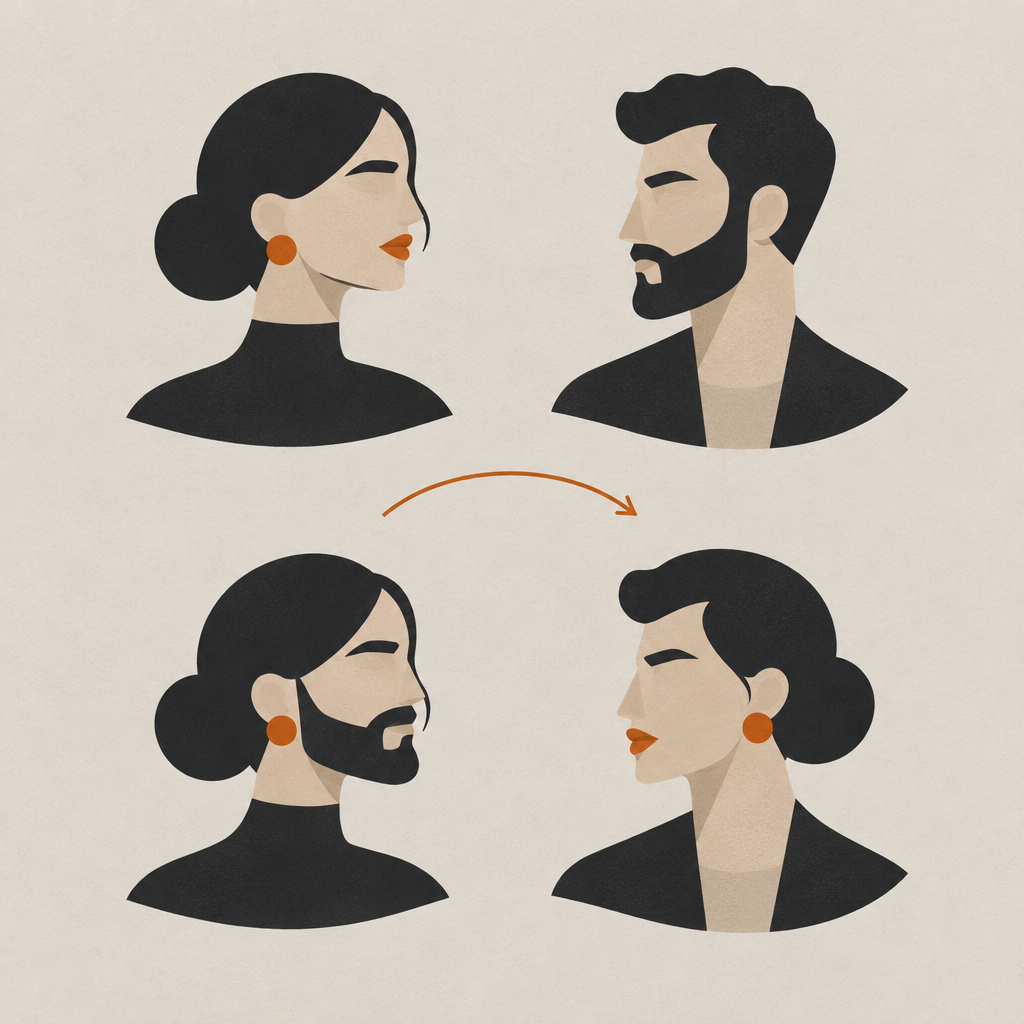
Two characters is where most AI narrative work stops looking like a scene. One face borrows the other's jaw, both drift by the third shot, and the whole exchange reads as two strangers who have never met.
The fix is older than AI video. Shoot it the way a crew would: a master to establish the geography, then separate coverage on each person, then cut between them. Below is how that maps onto generations, prompts, and an edit.
Why do both characters drift in a two-shot?
Because two references in one frame compete for the same features. The model has to decide which face owns which jaw, and in a single wide frame with both heads small, it frequently splits the difference and gives you two people who look related.
- Attribute bleed
- Features from one character reference appearing on another character in the same generation. Most visible in jaw shape, eye spacing, and hair.
- Master shot
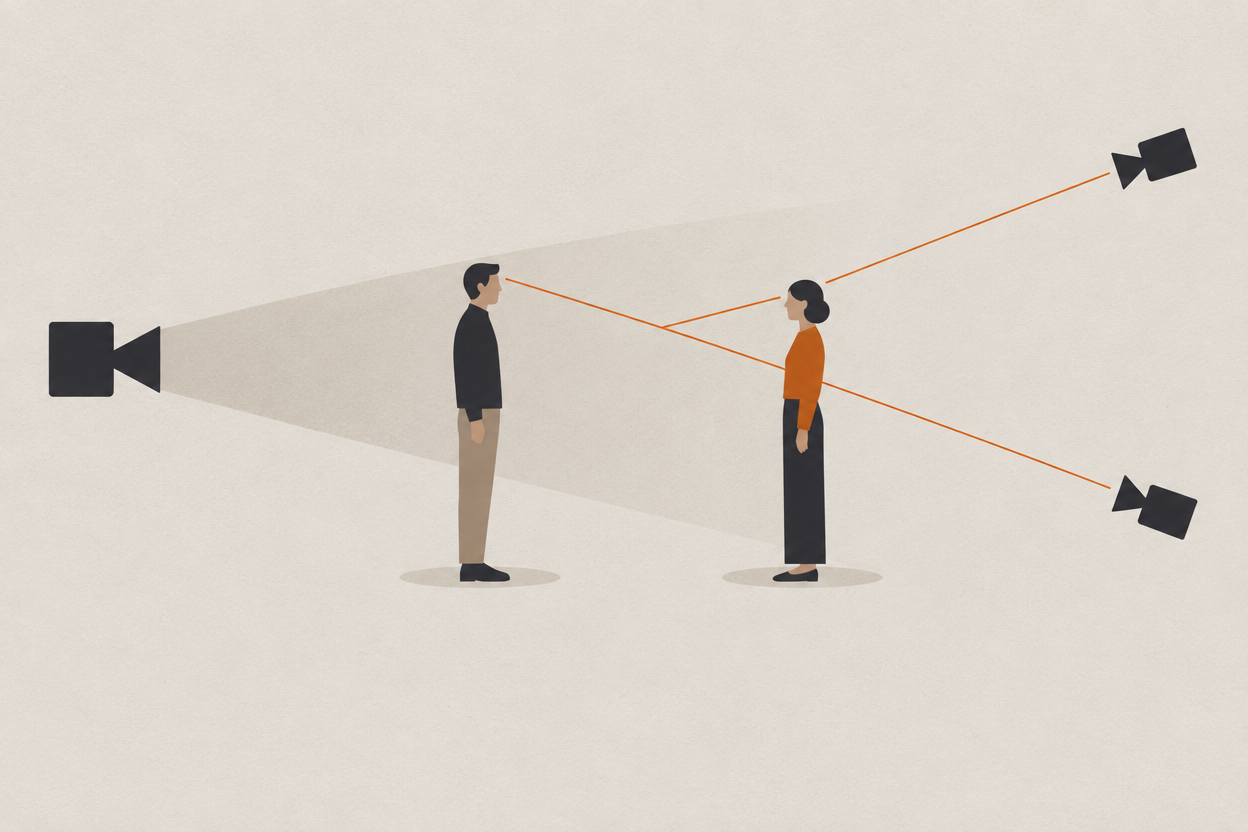
- The wide that establishes where both characters are, who is on which side of frame, and what the space looks like.
- Reverse
- A shot pointing back the other way, framed on one character, matching the eyeline established in the master.
- Screen direction
- Which way each character faces relative to the frame. Break it between shots and the two of them appear to be looking the same way rather than at each other.
The practical consequence is that a two-shot is the worst place to establish identity and a fine place to confirm it. Get each face right in its own coverage first, then let the master be the shot that has to carry the least.
How do you block the master?
Frame for the cut you already know you need. Put each character on a consistent side of frame, leave enough headroom and lead room that a tighter reverse still works, and lock the space before you generate a single close-up.
- 1
Decide who is camera left and camera right
Write it down. Every reverse from here has to respect it or the two characters will appear to be looking in the same direction.
- 2
Generate the master with both references attached
Expect this shot to need the most attempts. Judge it on geography and staging, not on face quality, because the close-ups are where identity actually has to land.
- 3
Approve the space, not just the frame
Note the light direction, the background features behind each character, and the distance between them. The reverses have to match all three.
- 4
Generate each reverse with one reference only
This is the whole trick. One character, one reference, one identity to protect. The other person can be an out-of-focus shoulder in the foreground.
- 5
Check the eyelines against the master before moving on
If a reverse has the character looking the wrong way, fix it now. It is invisible in isolation and obvious the moment you cut.
How do you assign one speaker per generation?
Name the speaker outside the line, put the spoken words in quotation marks, and keep all direction out of the dialogue string. Mixed together, the model will happily narrate your stage directions out loud.
This is the single most common prompt mistake in dialogue work, and it is easy to miss because the output is usually fluent. It just says the wrong thing.
she looks up nervously and says that she never agreed to any of this while he leans in angrily and the camera pushes closer
medium close-up, camera right, cool window light from frame left, slow push-in. She looks up, then holds the look. Line: "I never agreed to any of this."
- One speaker per generation. If both talk, that is two generations and a cut.
- Keep the line short. Long paragraphs of dialogue drift in delivery and in the face carrying it.
- Describe the performance as a beat, not as an adverb. A held look beats the word nervously.
- Leave handles at both ends. A second of stillness before and after the line gives you somewhere to cut.
Is the joint two-shot ever worth it?
As an establishing frame, yes. As a dialogue frame, rarely. The joint shot asks one generation to protect two identities at small scale, which is the highest-risk thing you can ask for, and coverage costs about the same anyway.
Worth saying plainly: the joint shot is not useless. It is a good establishing frame and a bad dialogue frame. The mistake is expecting one generation to do the job of three.
The cost argument usually surprises people, because a single joint shot looks cheaper than three separate ones until you count the attempts. A generation carrying two identities fails more often, and a failure costs the same as a success.
| Approach | Shots to generate | Attempts each | Credits at 720p |
|---|---|---|---|
| One joint two-shot carrying both speakers | 1 | High, both identities can fail independently | 70 per attempt |
| Master plus two reverses | 3 | Lower, one identity per generation | 70 per attempt |
How do you cut it together?
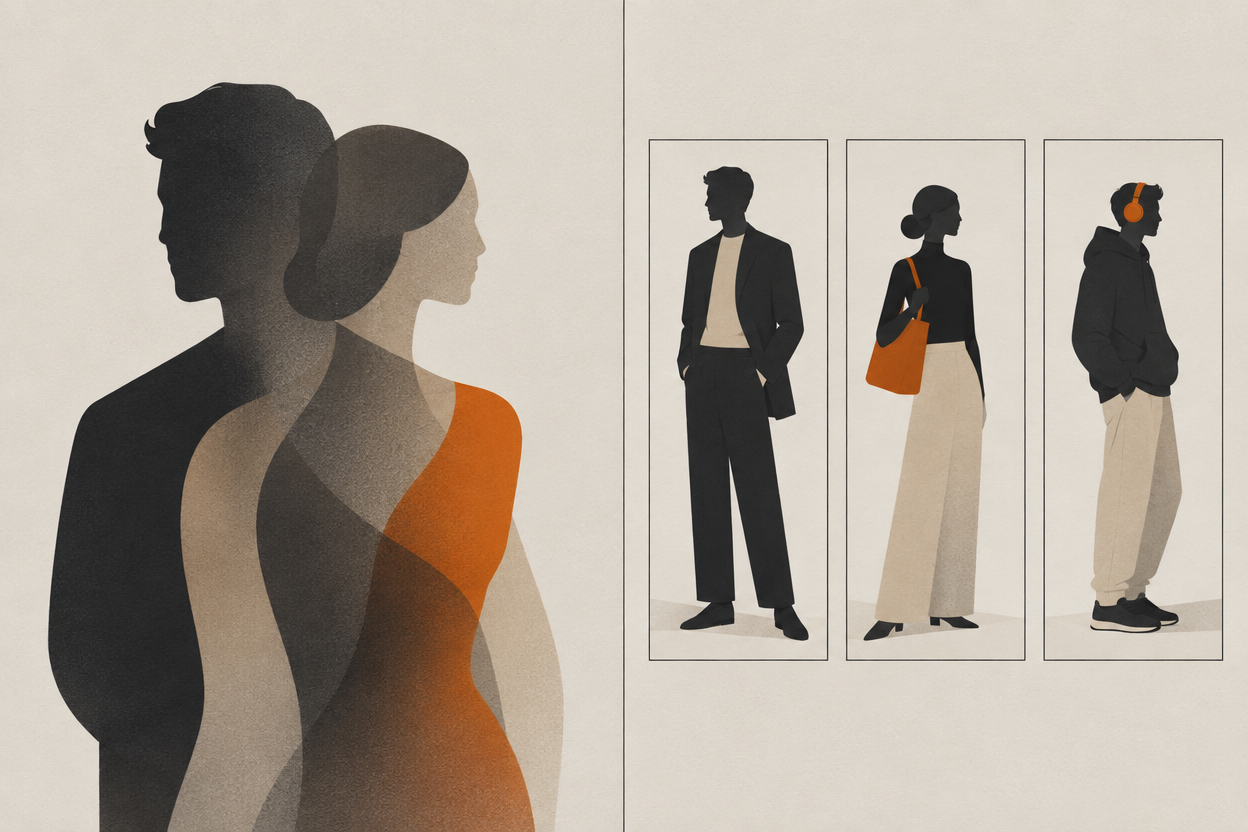
In an editor, not in the generator. You are producing shots that are designed to cut, and the assembly step happens outside the studio in whatever timeline you already use.
- Lay the master first, then cut to the reverse on the first line.
- Cut on the look, not on the word. Moving a beat before the line lands hides a lot of generation seams.
- Use the handles you left. A shot that starts exactly on the first syllable gives you nowhere to go.
- Keep both reverses at the same focal feel. A tight one against a loose one reads as two different scenes.
- If a cut does not work, regenerate the shot rather than trimming around the problem.
If the camera language in the reverses is not doing what you asked, the five-part prompt structure in how to prompt AI camera moves covers move, direction and speed, framing, lens, and duration in the order models weight them.
Frequently asked questions
Can AI video generate two consistent characters in one shot?
Sometimes, and it is the least reliable thing you can ask for. Two references in one frame compete for the same features, which is why jaws and hair bleed between characters. Cover the scene as a master plus separate reverses and each generation only has one identity to protect.
How do you stop AI characters looking like siblings?
Give each one its own generation wherever the edit allows, and make the two designs genuinely distinct in build, hair, and wardrobe rather than only in the prompt. Faces that are already close in the references will converge further in a shared frame.
How do you write dialogue prompts for AI video?
Name the speaker outside the line, put the spoken words in quotation marks, and keep camera and performance direction in a separate part of the prompt. Direction folded into the dialogue string tends to get spoken aloud.
Do I need one generation per line of dialogue?
One generation per speaker per beat is the reliable unit. A short exchange of four lines is usually four generations plus a master, which is also exactly what you would shoot with a camera.
Can I edit an AI dialogue scene inside the generator?
No. The studio produces shots. Assembly, timing, and the cut happen in whatever editor you already use, which is why leaving a second of handle at each end of every generation matters.
Cover the scene, then cut it
Every model at every resolution is unlocked on every paid plan from $9.99 a month, and credits never expire, so covering a scene properly costs attempts rather than an upgrade.
Open Character Studio