
From Storyboard to Finished AI Scene
A storyboard becomes a finished scene when every panel has been approved as a still before anything moves. The generation stage should be executing decisions you already made, not making them, which is why the expensive motion passes come last and the cheap still passes come first.
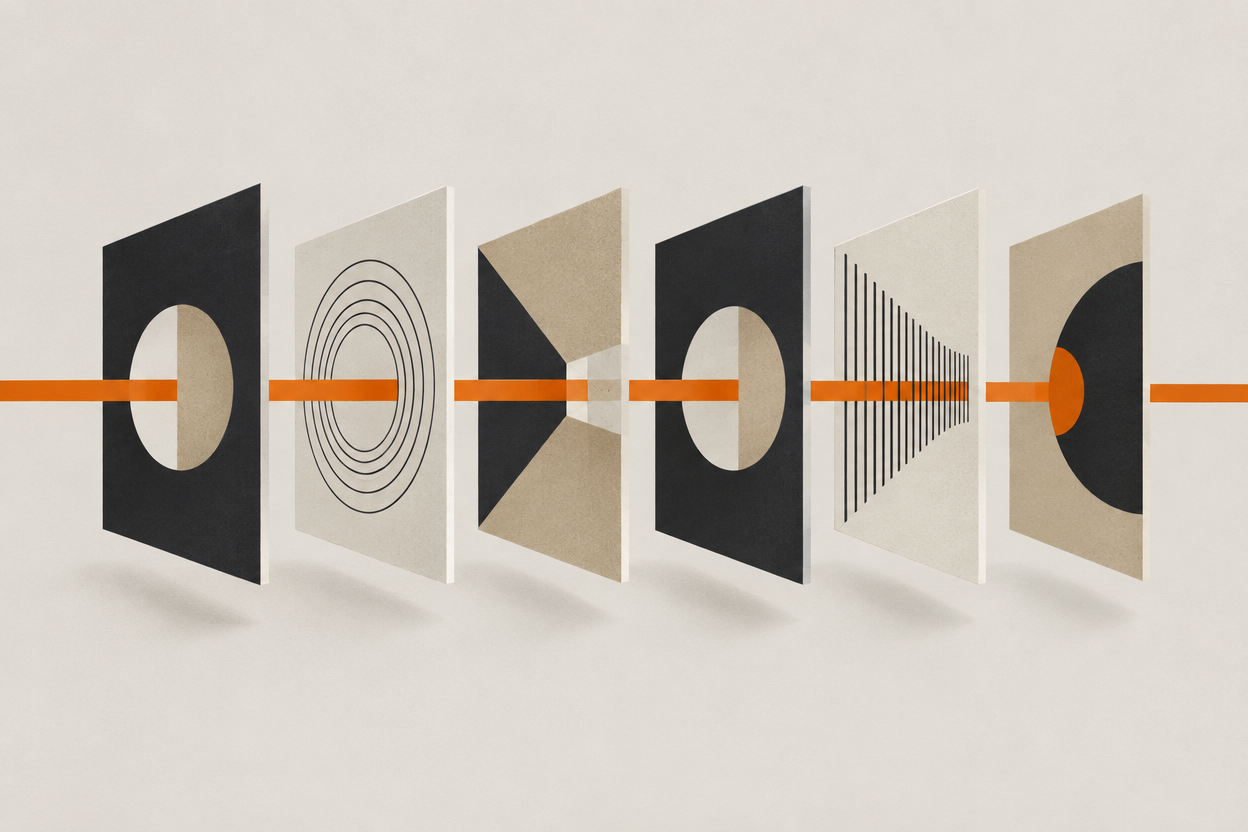
The common failure is not bad output. It is generating in the wrong order: motion before framing, framing before casting, and then discovering in shot nine that the lead has been wrong since shot one.
A scene has an order that works, and it is close to the order a crew would use. Lock the cast, board the scene, approve the stills, then generate motion. Below is that sequence applied to one scene, with the attempts and the credits it actually took.
Why lock the cast before the board?
Because every later stage inherits the face. A character change after the panels exist invalidates all of them at once, and the panels are the thing everything else is built on.
This is the cheapest rule in the whole workflow and the most commonly broken one. Casting feels like the part you can revisit later. It is the part you cannot revisit at all without paying for everything downstream a second time.
- Design each character once and approve them on their own before any scene work.
- Validate the sheet against your hardest planned shot, not your easiest.
- Stop at right, not at perfect. A better jaw found in week three is a different actor.
- Approve wardrobe as its own state at the same time, so the coat does not drift once the panels start.
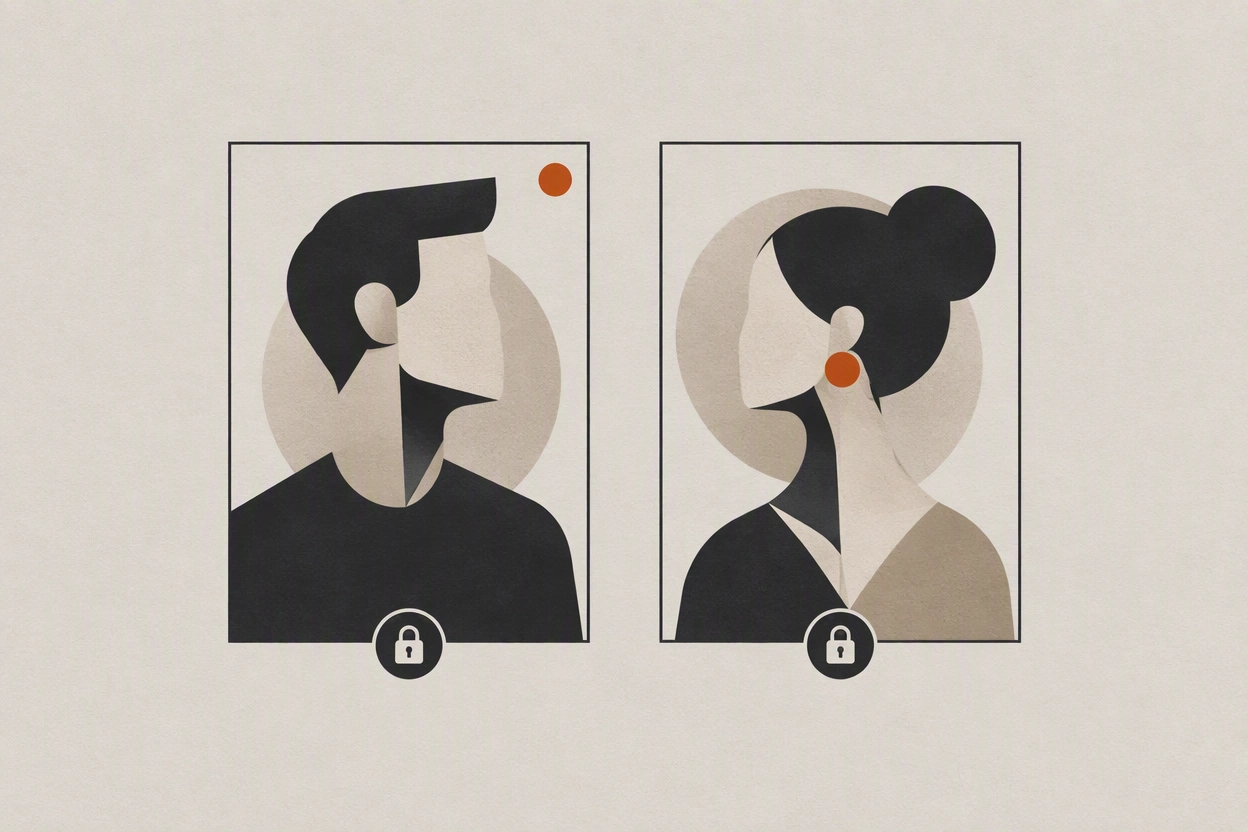
The full version of this step, including how to validate a sheet and what a bad reference looks like, is in building an AI character reference sheet that survives new shots.
How many panels does one scene need?
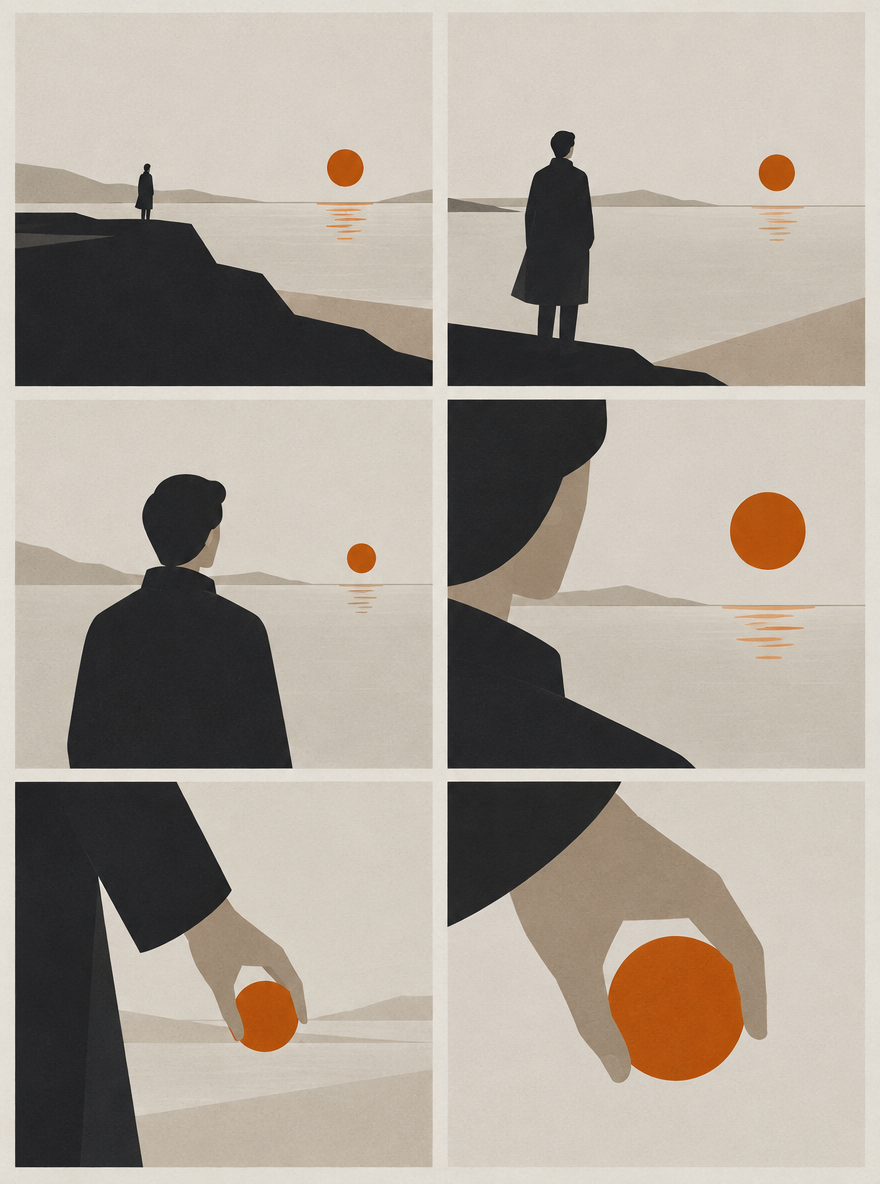
Enough to cut, which is usually fewer than people expect and more than one. A short two-hander needs a master, a reverse on each character, an insert on whatever the scene is about, and a reaction to get out on.
Panels are not frames of the finished film. They are the decisions the finished film is made of. If a panel does not change the framing, the subject, or the beat, it is not earning a generation.
| Panel | What it does | Why it exists |
|---|---|---|
| Master | Establishes the space and who is where | Without it the reverses have no geography to obey |
| Reverse A | Coverage on the first character | One identity per generation is the reliable unit |
| Reverse B | Coverage on the second character | Matches the eyeline set in the master |
| Insert | The object or detail the scene turns on | Cheapest shot in the scene and the easiest cut point |
| Reaction | The beat after the line lands | Gives the edit somewhere to go that is not another line |
| Return to master | Re-establishes the space on the way out | Optional, but it ends the scene without a hard cut |
What has to be approved before you generate motion?
Five things, in this order: identity, wardrobe, location, framing, and light. If any one of them is still open when you start generating video, you are paying video prices to make a decision you could have made at still prices.
- 1
Identity
Every character in the panel is the approved character. No exceptions, no nearly.
- 2
Wardrobe
The outfit is an approved state, not a description. If it is still in the prompt, it is not approved.
- 3
Location
Same room, same direction, same background features across every panel that claims to be in the same place.
- 4
Framing
The shot is the shot you want, including headroom and lead room for the cut you already know is coming.
- 5
Light
Direction and quality match across the scene. Light that jumps between shots is the fastest way to make a cut feel wrong without anyone knowing why.
Stills first, or straight to video?
Stills first, in almost every case. Text-to-video re-casts the subject on every attempt, so each re-roll of the camera move is also a re-roll of the performer. Image-to-video separates those two problems and lets you iterate on one at a time.
| Stills first, then motion | Straight to video from text | |
|---|---|---|
| What a re-roll costs you | The move only | The move and the casting |
| Identity control | Inherited from an approved frame | Re-sampled every attempt |
| Cheapest failure | A rejected still | A rejected video |
| Best for | Narrative work with recurring characters | Quick exploratory looks with no continuity requirement |
| Weakness | More steps, and the still has to be genuinely right | Fast to a first result, expensive to a consistent one |
a woman in a raincoat stands in a stairwell looking worried as the camera slowly pushes in, cinematic, moody, photorealistic, 8k
slow push-in, moderate speed, ending on a medium close-up, subject held on the left third, cool light from the window above, 3 seconds, 35mm
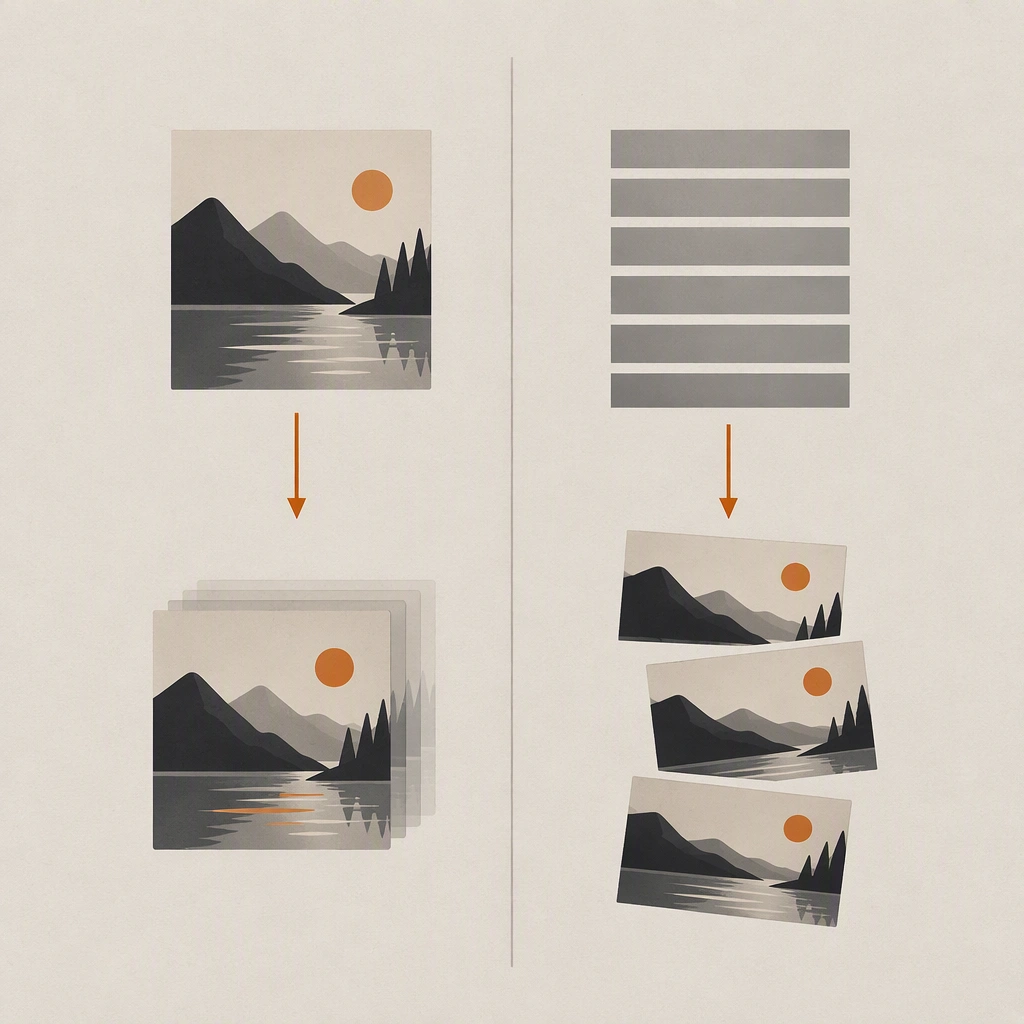
Once the still is approved, the move itself is a separate craft. The five-part prompt structure, move then direction and speed then framing then lens then duration, is covered in how to prompt AI camera moves that actually land.
How many generations does a scene like this take?
Plan for roughly three attempts per approved still and two per approved motion shot. On a six-shot scene that is about 47 generations to keep 6 shots, which is the ratio that decides your budget rather than the per-second rate.
Most published workflow guides show the shots that worked. The number that actually helps you plan is the ratio between generations run and shots kept, so here is that ratio written out with the prices attached.
| Stage | Generations | Kept | Credits |
|---|---|---|---|
| Character design, two rounds of four previews | 8 | 1 | 160 |
| Reference validation on Z-Image Turbo | 9 | 3 | 135 |
| Panel stills on Seedream 4.5 | 18 | 6 | 900 |
| Motion on Seedance 1.5 Pro, 720p, 5 seconds | 12 | 6 | 840 |
| Scene total | 47 | 6 | 2,035 |
The full version of this arithmetic, including how the totals map onto plan allowances and what the numbers exclude, is in budgeting an AI short film by usable shots.
What happens outside the studio?
The edit. Generation produces shots; the scene is assembled on a timeline in whatever editor you already use, along with sound design, music, grade, and titles.
- Assembly and timing. Cut points, pacing, and the order you actually end up using.
- Sound design and music. Veo 3.1 and Kling v3 can generate audio with a shot, but a scene still needs a mix.
- Grade. Matching shots generated on different days is a colour problem, not a prompt problem.
- Titles and credits. Generated text inside a frame is unreliable; do it in the editor.
- Export. Delivery format belongs to your edit, not to the generator.
Being explicit about this matters because a lot of AI video content implies the whole film happens in one tab. It does not, and planning as though it does is how projects stall at the assembly stage with a folder of clips that will not cut together.
Frequently asked questions
Can you turn a storyboard into video with AI?
Yes, and the reliable order is to treat each panel as a still first. Approve the framing, cast, wardrobe, location, and light as an image, then drive the motion from that approved image rather than from the panel description.
Should you use image-to-video or text-to-video for narrative work?
Image-to-video in almost every case. Text-to-video re-samples the subject on every attempt, so iterating on a camera move also re-casts the performer. Starting from an approved still separates the two problems.
How many shots does an AI scene need?
A short two-hander usually needs five or six: a master, a reverse on each character, an insert, a reaction, and optionally a return to the master. Every panel should change framing, subject, or beat, or it is not worth a generation.
How many attempts does one usable AI shot take?
Plan for about three attempts per approved still and two per approved motion shot until you have measured your own rate. Identity failures are the largest single cause of rejection in narrative work, which is why locking the character first moves that ratio more than changing model does.
Do you edit AI video inside the generator?
No. The studio produces individual shots. Assembly, timing, sound, grade, and titles happen in whatever editor you already use, which is why leaving a second of handle at each end of every generation is worth doing.
What does a scene like this cost?
About 2,035 credits for a six-shot scene finished on Seedance 1.5 Pro at 720p, or about 3,835 finishing on Veo 3.1 Fast, at the 7 July 2026 rates and the attempt assumptions above. The full breakdown is in the budgeting article.
Take the board to a finished cut
Design the cast once, approve every panel as a still, and finish in 4K on the same credits. New accounts start with 100 free credits, and credits never expire.
Built for indie storytellers