
Stage a Vertical AI Story Without Cropping Away the Action
Generate vertically rather than cropping into it. A 16:9 frame composed for a horizontal cut puts its subject and its context side by side, and the crop to 9:16 has to discard one of them. Staging for a tall frame stacks that information instead, so nothing has to be thrown away.

The tempting workflow is to generate once at 16:9 and crop for vertical. It is one render instead of two, and it works fine for a talking head.
It falls apart the moment a shot has two things in it, which is most of the shots in a story. Here is what changes when you compose for the tall frame instead.
Why does cropping a wide shot to vertical fail?
Because you keep roughly a third of the width. A 9:16 crop from a 16:9 frame at the same height retains about 32 percent of the original width, and a composition designed to use that width loses whatever sat outside the strip.
The arithmetic is unforgiving. Take a 1920 by 1080 frame and crop it to 9:16 at full height: you keep 608 pixels of width, about 32 percent. Everything a horizontal composition put in the outer two thirds is gone.
| Shot type | Survives a 9:16 crop? | What breaks |
|---|---|---|
| Single close-up, centred | Yes | Nothing meaningful |
| Medium single, subject on a third | Usually | Lead room disappears; the framing feels tight |
| Two-shot, characters side by side | No | One character leaves the frame entirely |
| Wide establishing | No | The establishing information is the part you cropped |
| Action moving laterally | No | The subject exits and re-enters the crop |
| Insert on a held object | Yes | Nothing, if it was centred |
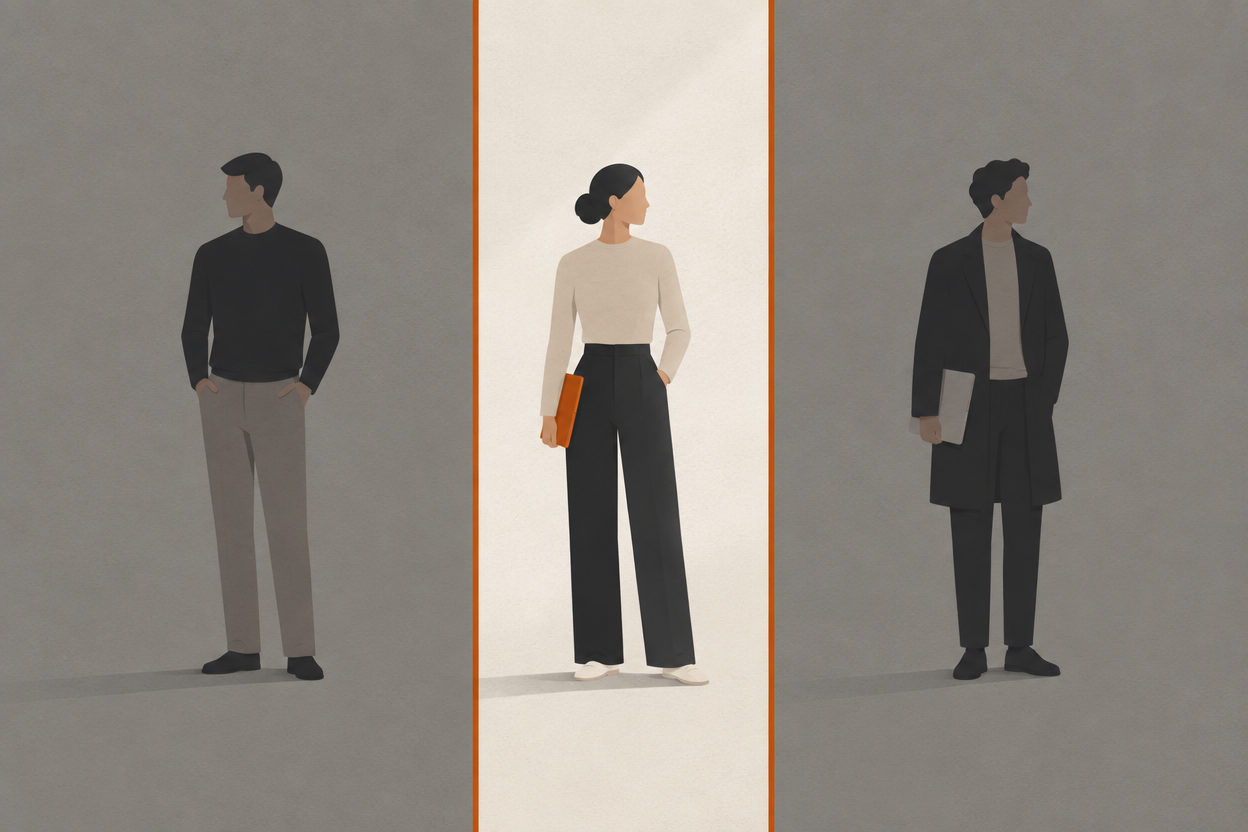
How do you stage for a tall frame?
Stack in depth instead of spreading across width. A vertical frame has room for a foreground element, a subject, and a background, which is a different grammar from putting two things next to each other.
- 1
Put the subject on the upper third, not the centre
Faces read best high in a tall frame, and it leaves the lower portion for context, hands, or motion.
- 2
Use depth where you would have used width
A second character goes behind or in front, not beside. That is a blocking decision and it has to happen before you generate.
- 3
Let the foreground do the framing
A doorway edge, a shoulder, a table edge low in frame gives a vertical shot the depth that a wide gets for free.
- 4
Move vertically
Push in, crane, tilt. Lateral movement fights the frame; vertical and depth movement uses it.
- 5
Keep the safe zone clear
Platform interface chrome eats the top and bottom of a vertical frame. Do not put anything essential in the outer band.
two characters stand side by side in a kitchen talking to each other, wide shot, warm light, 9:16
vertical framing, subject on the upper third facing camera, second figure soft in the background behind her shoulder, table edge across the lower foreground, window light from camera left, medium shot
Does vertical cost more to generate?
No. Generation price is set by model, duration, and resolution, not by the shape of the frame. What costs more is generating twice, once wide and once tall, which is the actual expense people are trying to avoid when they crop.
That reframes the decision. If a piece is vertical-first, stage it vertically and generate it once. If it genuinely needs both, plan the shot list so the shared shots are the ones that survive a crop, and generate the rest twice on purpose.
- Vertical-first project. Stage tall, generate once, no crop step.
- Horizontal-first with vertical cutdowns. Shoot close and centred wherever a shot has to serve both.
- Both as first-class deliverables. Two generations per shot. Budget for it rather than discovering it.
- Test at low resolution. Composition questions are answerable at 480p, which is 8 credits per second on Seedance 1.5 Pro.
Does character consistency get harder in vertical?
Not inherently, but the framing pushes you toward closer shots, and closer shots are where identity has to hold hardest. A reference set built from mid-shots will show its limits faster in a vertical edit.
Vertical storytelling leans on close and medium framing because wides do not work in the shape. That means a higher proportion of your shots sit in the range where facial detail is fully visible.
- Build a close reference at roughly the framing your tightest shot will use.
- Expect more reverses and fewer two-shots, so plan coverage per character.
- Hold light direction across the cut, which is more noticeable when shots are tighter.
- Test the tallest crop of your reference before committing to a shot list.
The scale side of that is covered in why an AI character's face changes between wide shots and close-ups, and the coverage side in making a two-character AI dialogue scene.
Frequently asked questions
Should you generate AI video in 9:16 or crop from 16:9?
Generate vertically if the piece is vertical-first. A 9:16 crop from a 16:9 frame keeps only about 32 percent of the width, so any composition that used that width loses most of itself.
How much of a 16:9 frame survives a vertical crop?
About 32 percent of the width at full height. A 1920 by 1080 frame cropped to 9:16 keeps roughly 608 pixels across.
How do you compose a vertical shot for storytelling?
Stack in depth rather than across width. Put the subject on the upper third, use a foreground element low in frame for depth, place secondary characters behind rather than beside, and favour push-ins and tilts over lateral moves.
Does 9:16 cost more credits than 16:9?
No. Generation cost depends on model, duration, and resolution rather than aspect ratio. The real cost is generating a shot twice when a project needs both orientations.
What resolution should vertical video be?
1080p is usually the right call. Platform compression on vertical feeds erases most of the visible benefit of 4K, so the premium is better spent on work destined for a larger screen.
Stage it tall from the first frame
Every model at every resolution on every paid plan, with characters that carry across both orientations and credits that never expire.
Enter Studio